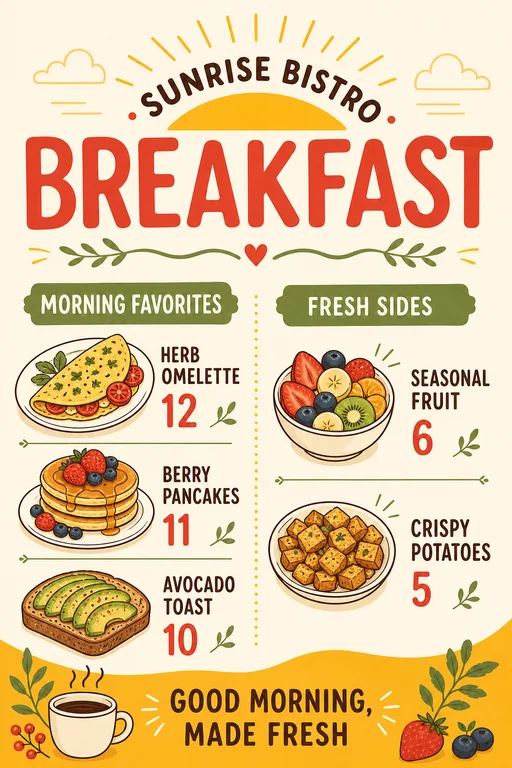
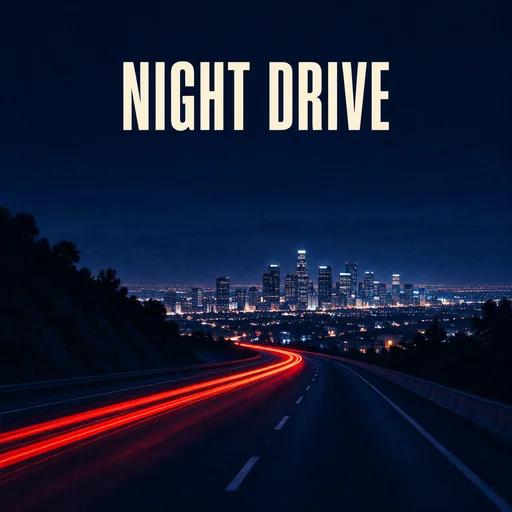
Create and edit AI images
Generate a new visual with the AI Image Maker, update words inside an existing design with the AI Image Text Editor, or isolate a subject with the Background Remover.
Create images, videos, product ads, flyers, album covers, stickers, wallpapers, and more.
Start creatingCreate stunning visuals and enhance images with powerful AI tools.
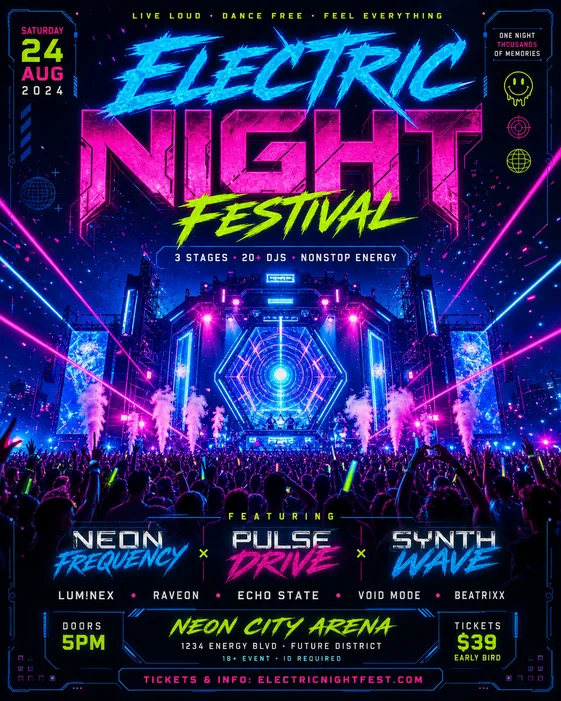 AI Image MakerTurn your ideas into unique, high-quality images.
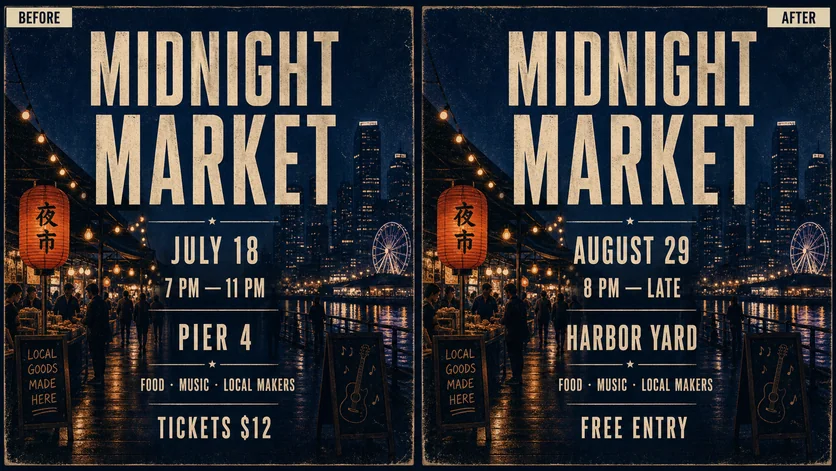 AI Image Text EditorChange or add text while preserving the original image design.
 Background RemoverRemove backgrounds instantly with one click.
 AI Product Ad Image GeneratorCreate professional product ads that drive sales.
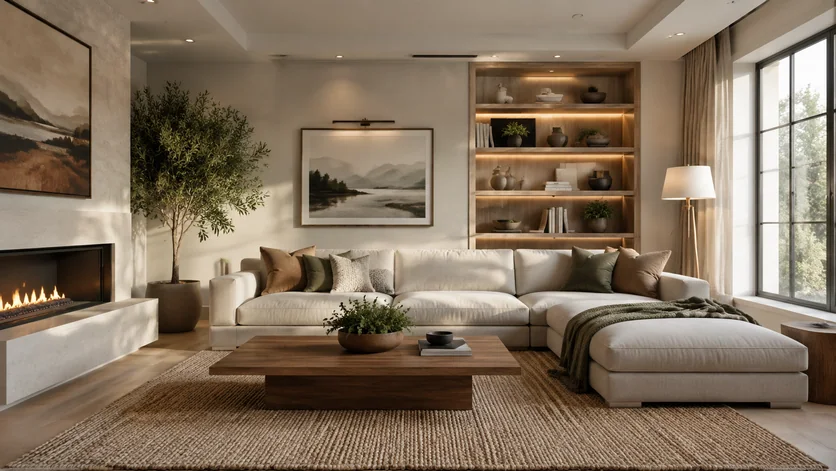 AI Room DesignRedesign a room from your photo with styles, colors, and layout ideas.
Create AI videos, product promos, and music visuals from prompts or images.
 AI Video GeneratorCreate original videos from a prompt or reference image.
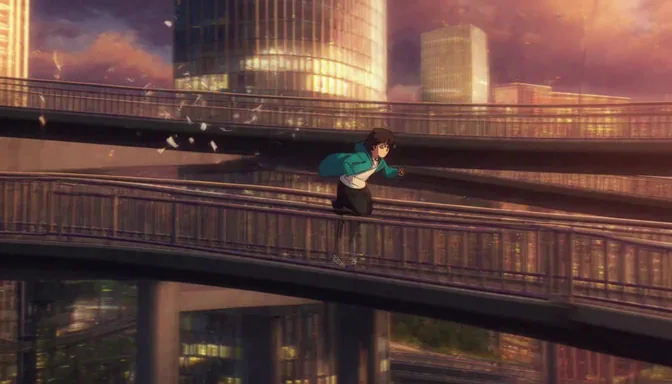 AI Animation GeneratorAnimate characters, illustrations, sketches, and ideas.
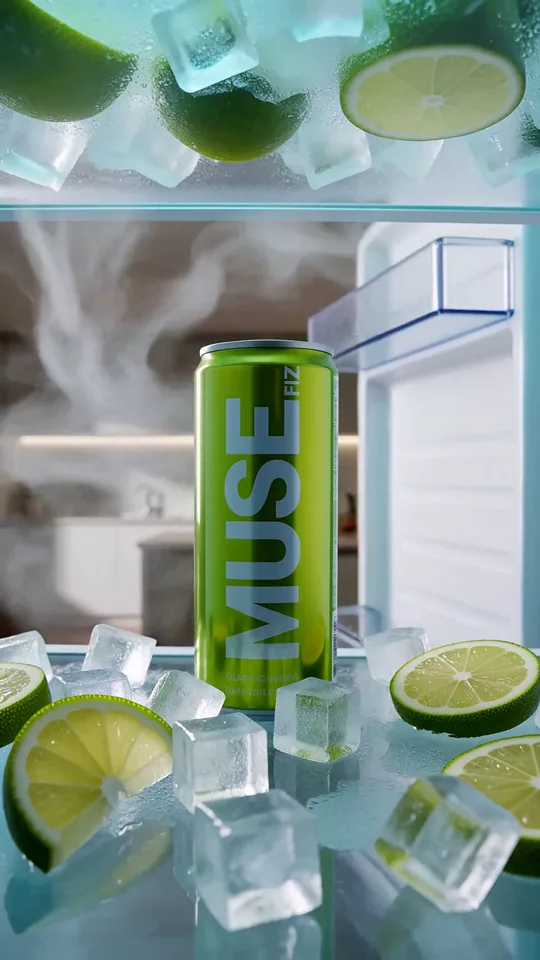 Promo Video MakerTurn products and launches into social-ready promo videos.
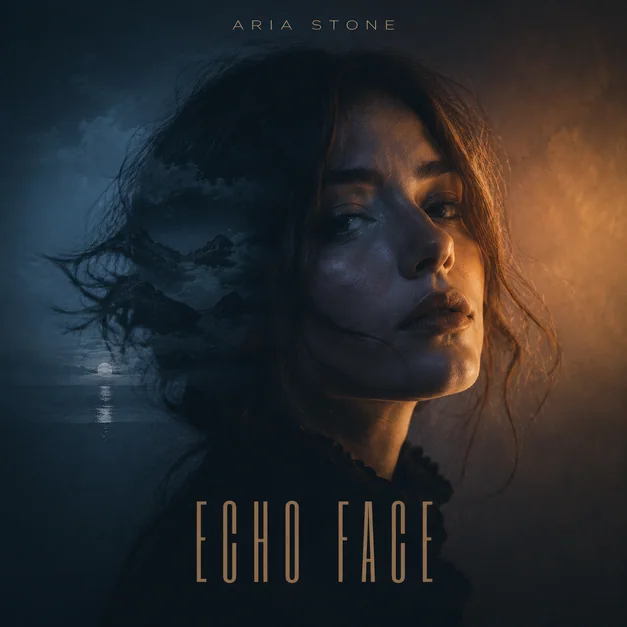 Spotify Canvas GeneratorAnimate album artwork into a seamless vertical Canvas.
Design eye-catching branding and marketing materials that get noticed.
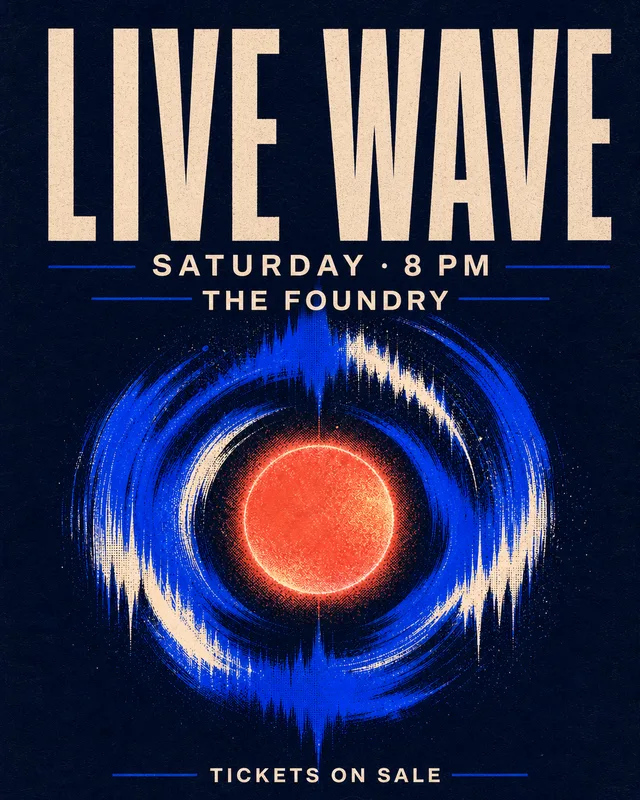
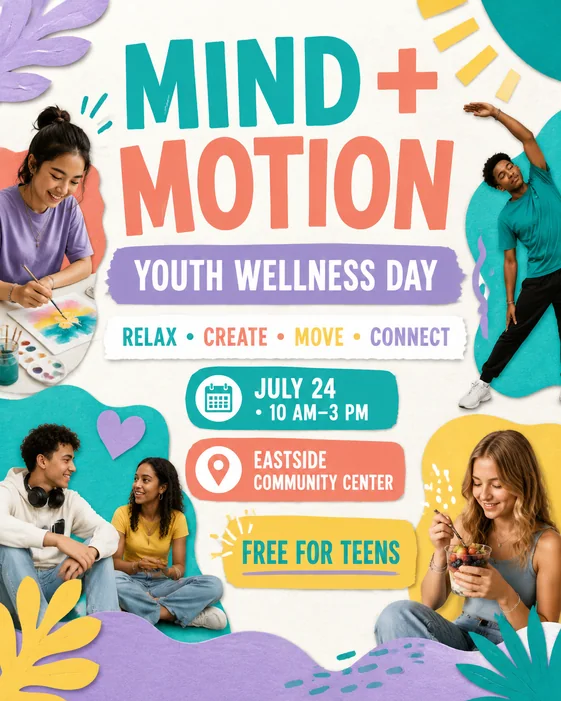 AI Flyer GeneratorCreate eye-catching flyers for events, offers, and launches.
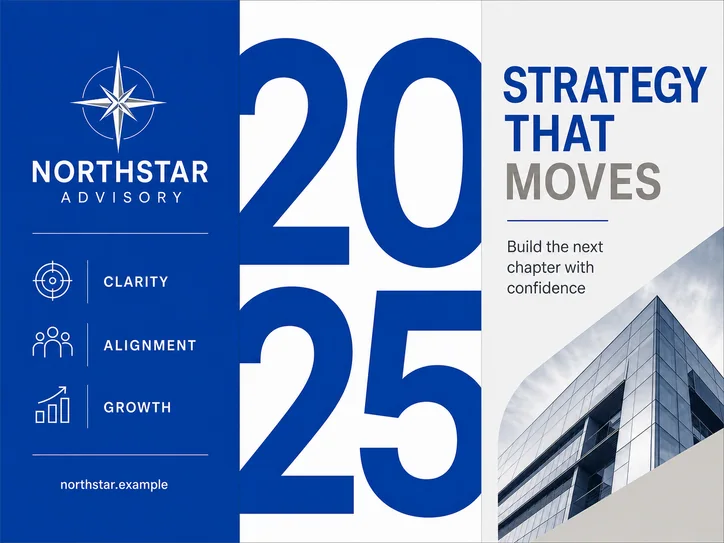 AI Brochure GeneratorDesign polished brochures for your brand or business.
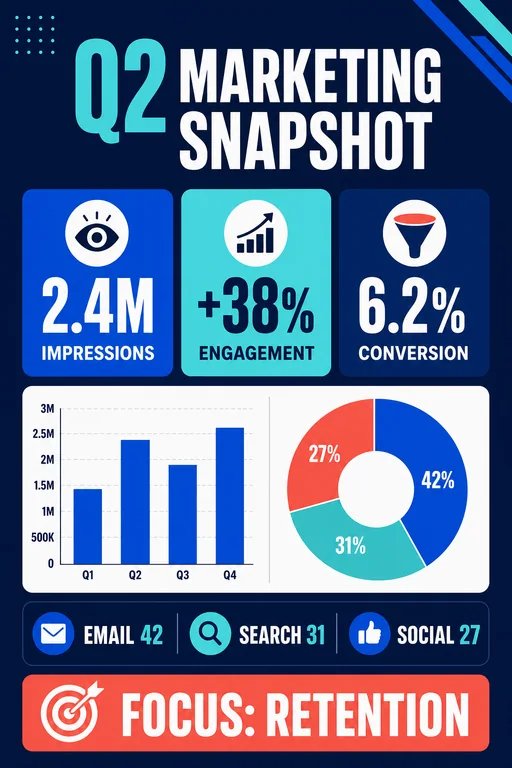 AI Infographic GeneratorTurn data and ideas into clear visual stories.
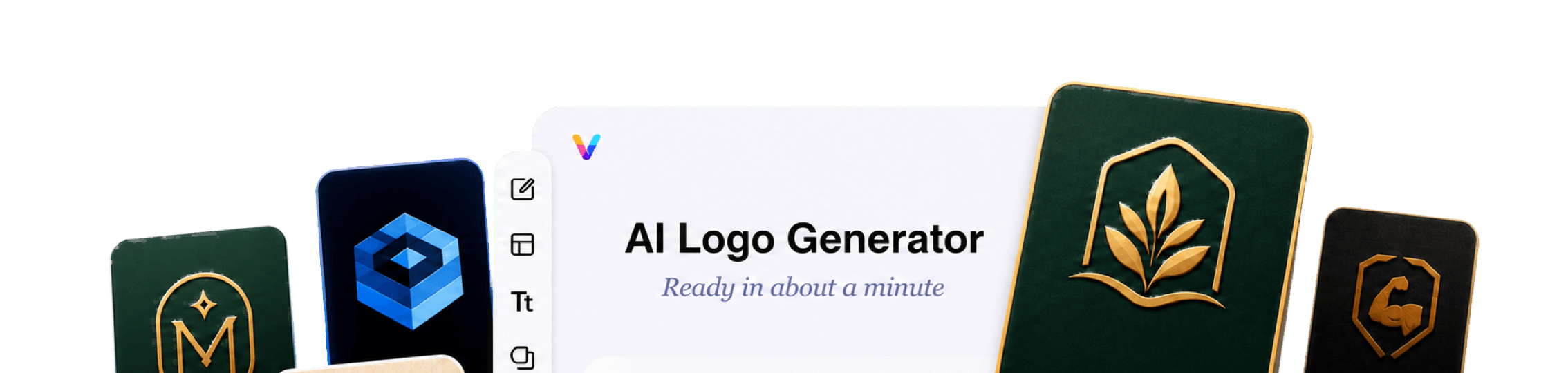
 AI Logo GeneratorCreate distinctive logo concepts and brand marks.
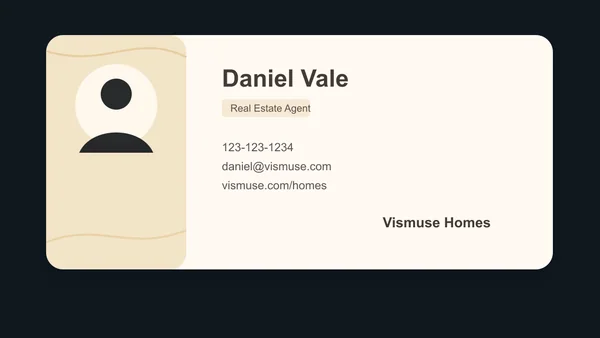 Business Card MakerCreate professional business cards for your brand.
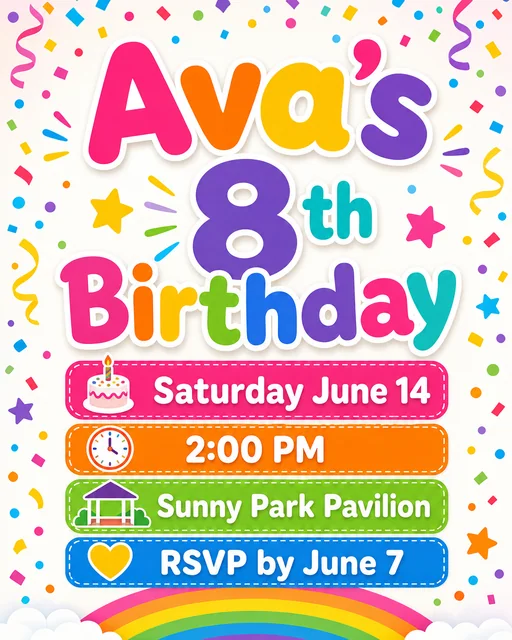
Make polished event promotions, invitations, menus, and print-ready designs.
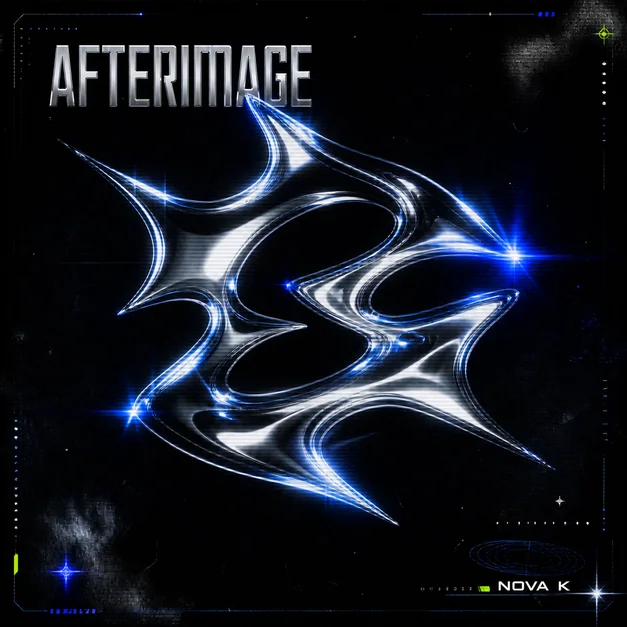
Build memorable visual identities for albums, singles, playlists, and releases.
Explore personal ideas and turn them into artwork made for you.
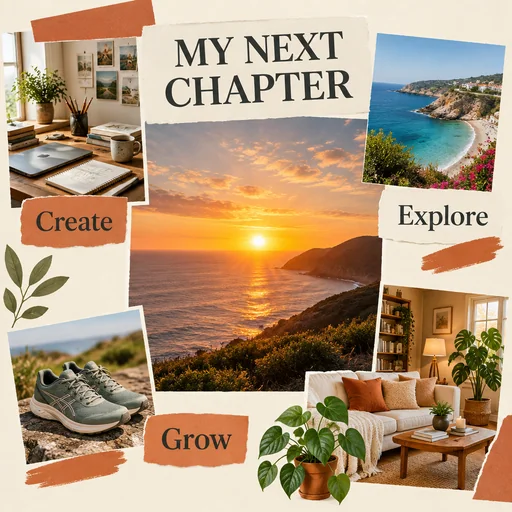 AI Vision Board MakerCreate a personal collage of your goals, dreams, and photos.
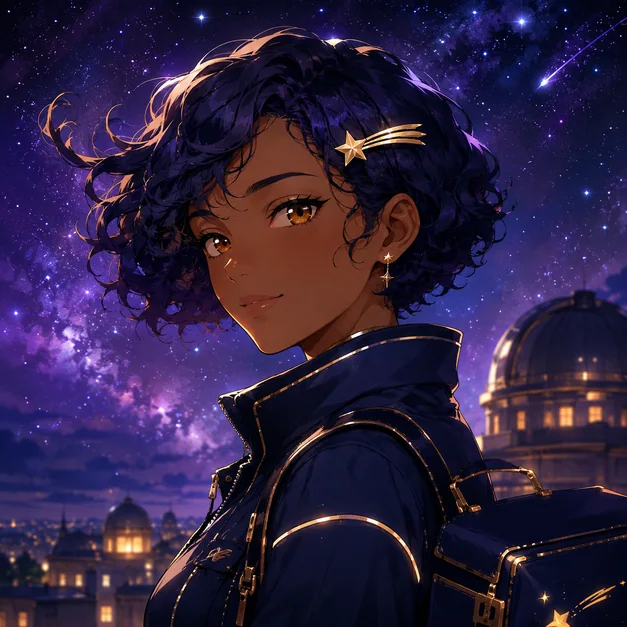 AI Anime GeneratorCreate original anime characters, portraits, scenes, and polished artwork.
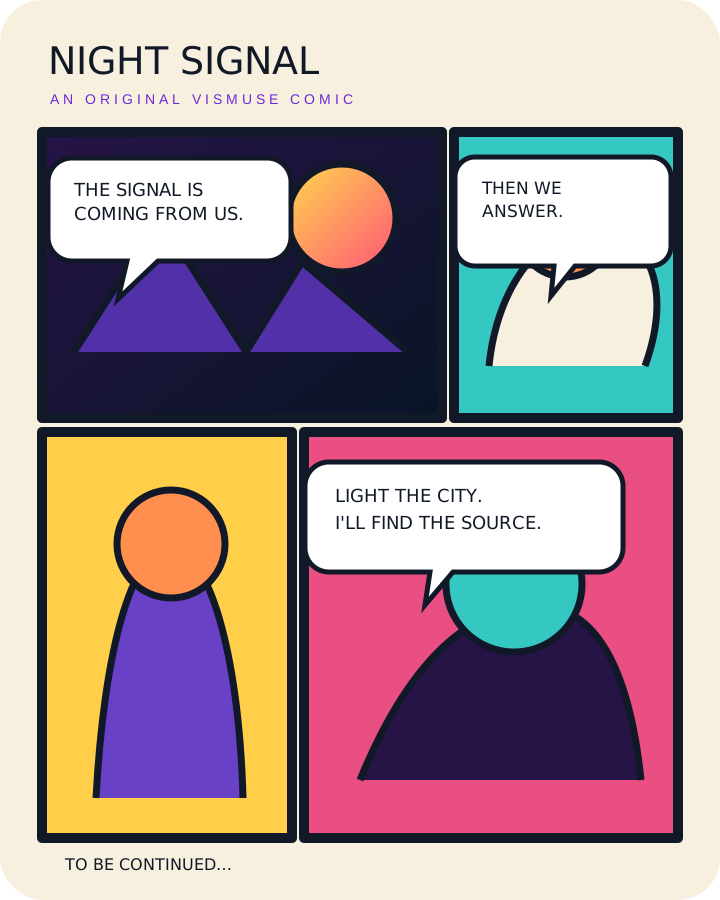 AI Comic GeneratorTurn story beats and dialogue into finished comic strips and pages.
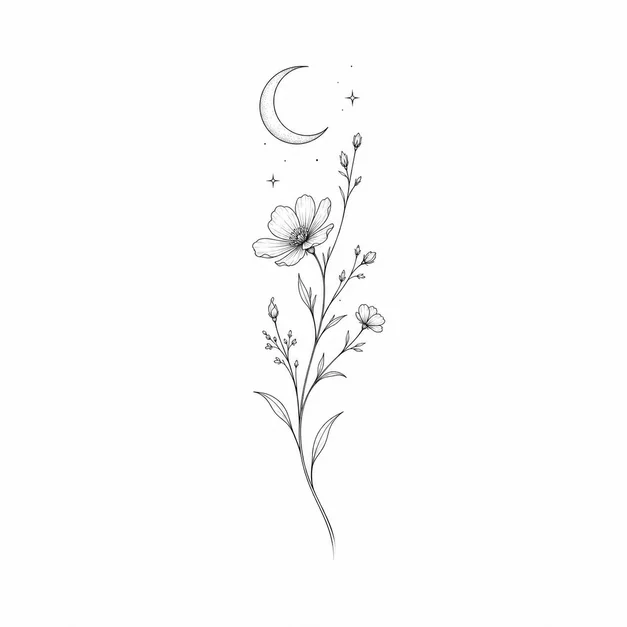 Tattoo GeneratorExplore custom tattoo concepts and stencil ideas.
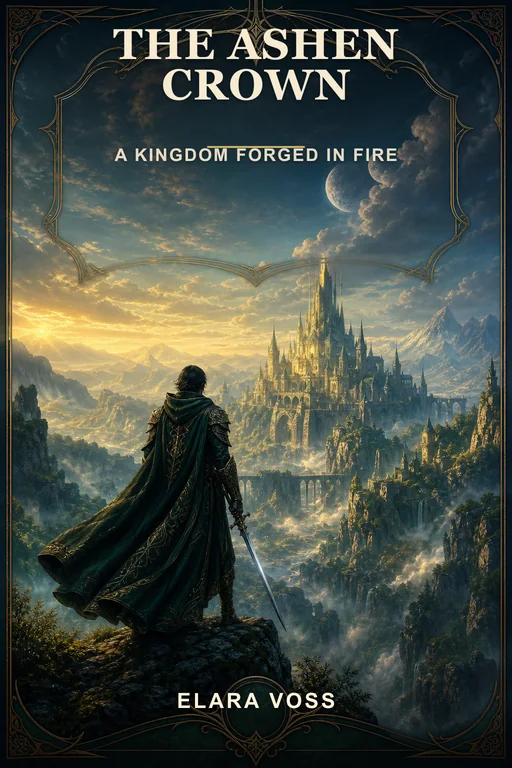 AI Book Cover GeneratorCreate compelling covers for books and ebooks.
 AI Sticker GeneratorTurn ideas into playful custom sticker art.
 AI Wallpaper GeneratorGenerate beautiful wallpapers for any mood or style.
Start with the format you need, then create from a written prompt or your own reference image. Vismuse gives each project a focused workflow while keeping follow-up edits simple.
Generate a new visual with the AI Image Maker, update words inside an existing design with the AI Image Text Editor, or isolate a subject with the Background Remover.
Build campaign-ready flyers, structured brochures, product ads, logos, infographics, menus, and business cards without starting from a blank canvas.
Use the AI Video Generator for original scenes, the Promo Video Maker for product campaigns, or the Spotify Canvas Generator for looping music visuals.
No. Vismuse supports both subscriptions and one-time purchases. Choose a subscription if you create regularly, or make a one-time purchase when you only need it for a specific project.
Absolutely. Vismuse works especially well on mobile because you create and edit with natural-language instructions. Simply describe what you want, upload a reference if needed, and let AI handle the rest—no complicated desktop editing tools required.
Use the homepage generator when you want to describe any image or video idea in one place. Choose a dedicated tool when you already know the format you need, such as a flyer, album cover, promo video, or background removal.
Yes. Many tools can start from a product photo, portrait, artwork, or other reference. Vismuse uses it to guide the composition, style, subject, or motion, depending on the workflow.
No. Describe what you want in everyday language, then refine the result with follow-up instructions. Each focused tool provides guidance and defaults for that format.
Start with a prompt or an image, then refine the result until it feels like yours.
Start creating