Vismuse
AI Video GeneratorCreate short AI videos from prompts, references, and briefs.AI Flyer GeneratorTurn events, offers, and listings into flyers.AI Brochure GeneratorStructure company, product, and service content into brochures.AI Album Cover GeneratorDesign album covers, mixtape art, and single artwork.AI Image MakerCreate any image from a prompt, link, or reference.Product Ad GeneratorGenerate product promo images and ad creatives.AI Room DesignUpload a room photo and redesign interiors with AI.Background RemoverRemove backgrounds for clean cutouts and product images.Business Card MakerCreate print-ready front and back business card designs.AI Logo GeneratorCreate logo concepts, brand marks, badges, and monograms.Tattoo GeneratorCreate tattoo concepts, stencil ideas, flash art, and sleeve layouts.AI Poster MakerCreate posters for events, product promotions, movies, lost-and-found notices, and more.Invitation MakerCreate birthday invitations, party invites, and event cards.AI Book Cover GeneratorCreate ebook, Kindle, and paperback cover concepts.AI Sticker GeneratorCreate stickers, reactions, and sticker sheets.AI Wallpaper GeneratorGenerate phone and desktop wallpapers.
AI VideoToolsTemplatesResourcesPricing
HomeToolsAI Anime Generator

Characters, worlds, and anime moments

AI Anime Generator

Turn a character or scene idea into original anime artwork.

Describe the character, expression, setting, camera angle, and anime direction. Add a reference image when identity or costume details should remain recognizable.

Start creating
Vismuse

Create and edit images and videos through conversation—no traditional editor required.

support@vismuse.com

Product

AI Image GeneratorAI Video GeneratorAI Animation GeneratorAlbum Cover MakerProduct Ad MakerAI Flyer Maker

Templates

All TemplatesFlyer TemplatesAlbum Covers

Resources

Help CenterDocsToolsPricing

Company

Contact supportAbout VismuseAcceptable UsePrivacyTermsRefund PolicyCookies
© 2026 Vismuse. All rights reserved.
EnglishDeutschFrançais
Explore examples
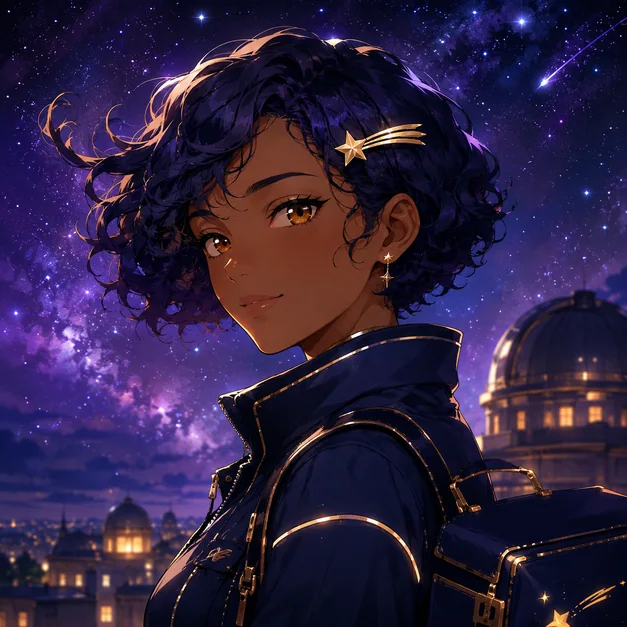
Starlight Courier Portrait: AI Anime Generator example
Starlight Courier Portrait · AI-generated concept

From brief to finished direction

How to create with AI Anime Generator

Start with the details that matter, then refine one clear direction at a time.

  1. 01

    Describe the anime concept

    Start with the character or scene, then add appearance, clothing, pose, setting, mood, and intended format.

  2. 02

    Choose a visual direction

    Specify linework, color treatment, lighting, camera framing, and whether you want a portrait, key visual, scene, or avatar.

  3. 03

    Generate and refine

    Review faces, hands, costume details, and continuity, then request focused changes through chat.

Creative direction

Design an original anime character

Build a recognizable character from a focused description of silhouette, hairstyle, expression, costume, and personality.

Try this promptCreate an original anime courier with short indigo curls, a gold hairpin, and a midnight-blue jacket, framed as a clean three-quarter portrait against a luminous night sky.
Create your version
Original anime courier portrait
Original anime courier portrait · AI-generated inspiration

Creative direction

Create a cinematic anime scene

Set the action, environment, time of day, and camera language so the result feels like a story moment rather than a generic pose.

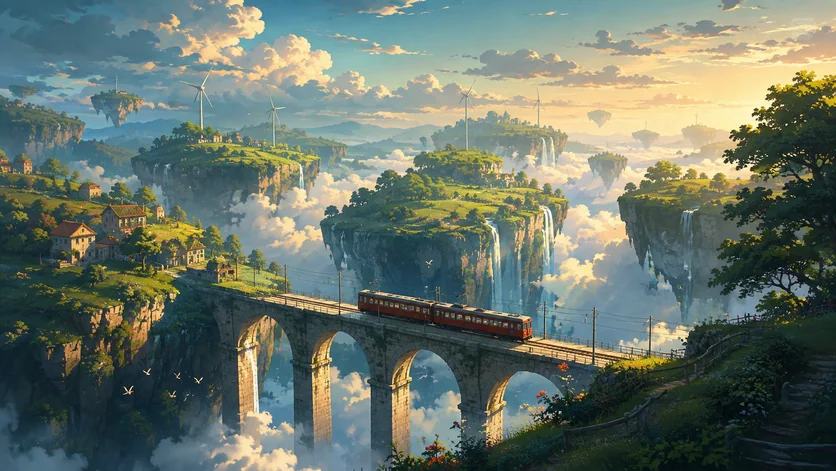
Try this promptCreate a cinematic anime landscape with a train crossing a floating valley, wide composition, dramatic depth, warm light, and a detailed painted environment.
Create your version
Cinematic anime train scene
Cinematic anime train scene · AI-generated inspiration

Creative direction

Make an anime avatar

Keep the face readable at a small size with clear framing, controlled details, and a background that supports the subject.

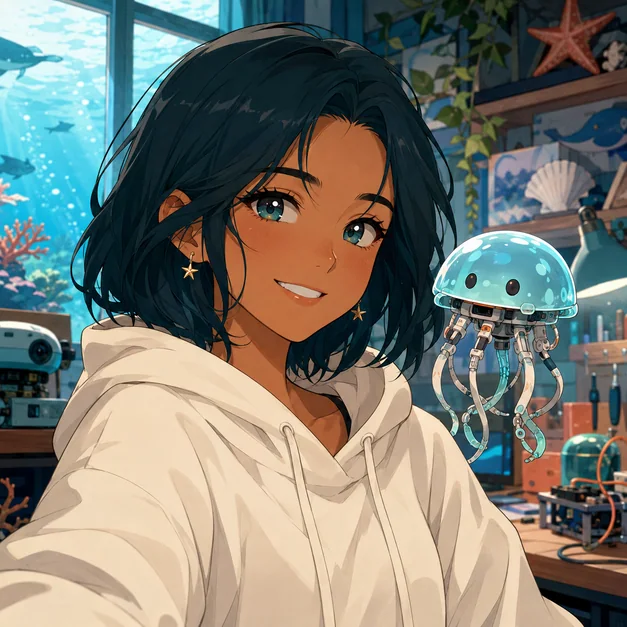
Try this promptCreate a square anime avatar with clean facial features, soft ocean-blue light, a calm room background, and a centered profile-picture composition.
Create your version
Square anime profile picture
Square anime profile picture · AI-generated inspiration

Find a starting point

Anime art ideas and character directions

Explore portraits, cinematic scenes, mascots, fantasy settings, and other original anime concepts.

Starlight Courier Portrait: AI Anime Generator example

Starlight Courier Portrait

An expressive original character portrait with luminous night-sky color and polished cel shading.

Neon City Courier: AI Anime Generator example

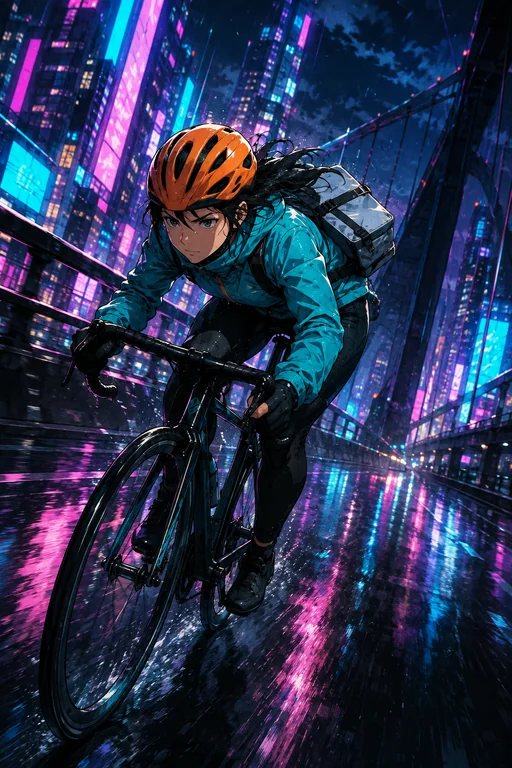
Neon City Courier

A cinematic cyberpunk action scene with an original heroine and dynamic urban perspective.

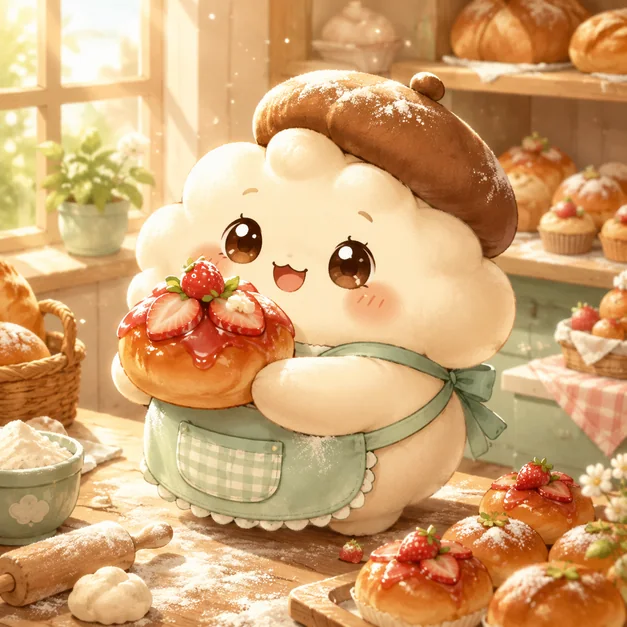
Chibi Bakery Mascot: AI Anime Generator example

Chibi Bakery Mascot

A cheerful pastry mascot with clean shapes, warm color, and brand-friendly charm.

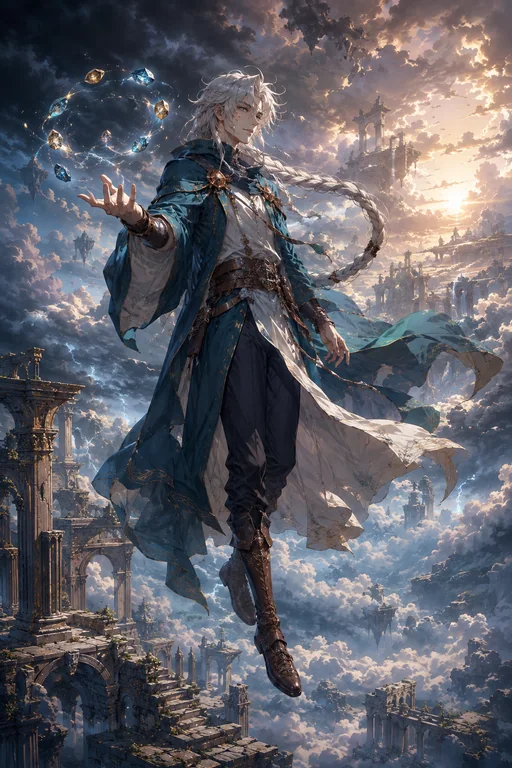
Sky Mage Key Art: AI Anime Generator example

Sky Mage Key Art

A fantasy heroine suspended above cloud ruins in luminous cinematic key art.

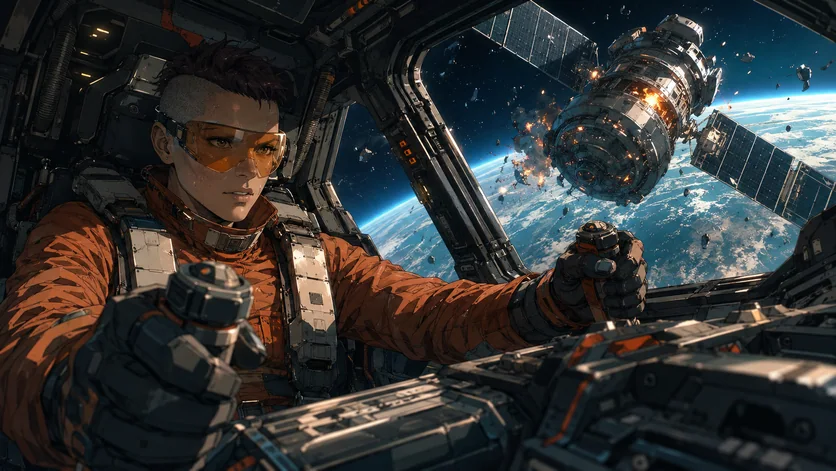
Mecha Pilot Cockpit: AI Anime Generator example

Mecha Pilot Cockpit

A widescreen science-fiction moment centered on an original pilot and tactile cockpit detail.

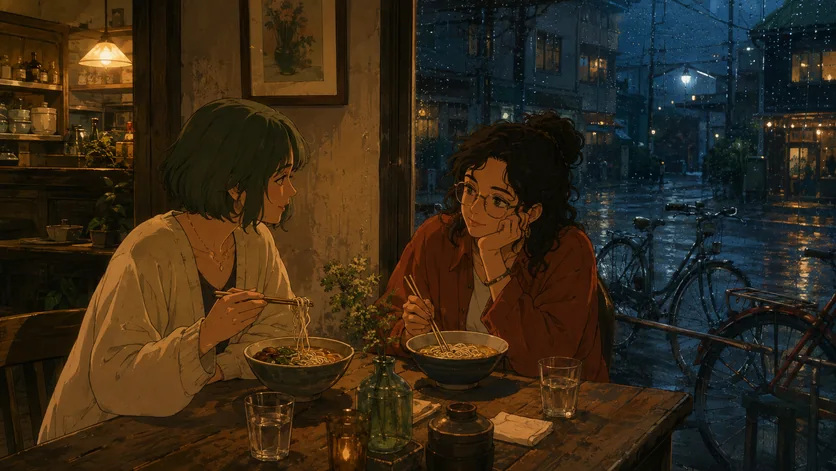
Retro Night Cafe: AI Anime Generator example

Retro Night Cafe

A nostalgic 1990s-inspired slice-of-life scene with rain, friendship, and warm interior light.

Floating Valley Train: AI Anime Generator example

Floating Valley Train

A sweeping anime background where a tiny train crosses a fantastical valley in the clouds.

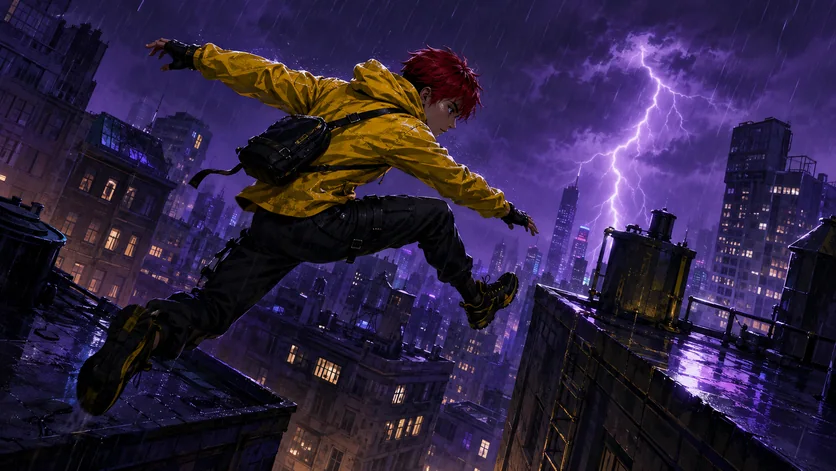
Rainy Rooftop Runner: AI Anime Generator example

Rainy Rooftop Runner

A high-energy parkour scene with graphic silhouettes and electric storm lighting.

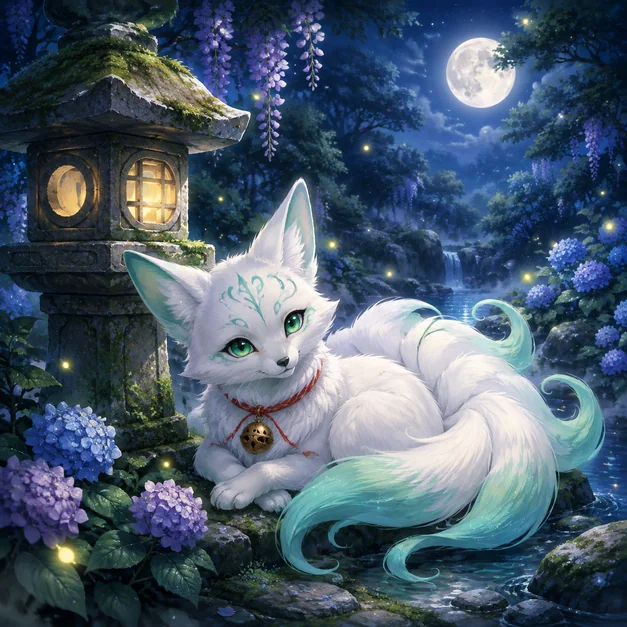
Fox Spirit Companion: AI Anime Generator example

Fox Spirit Companion

A gentle original creature portrait in a moonlit shrine garden.

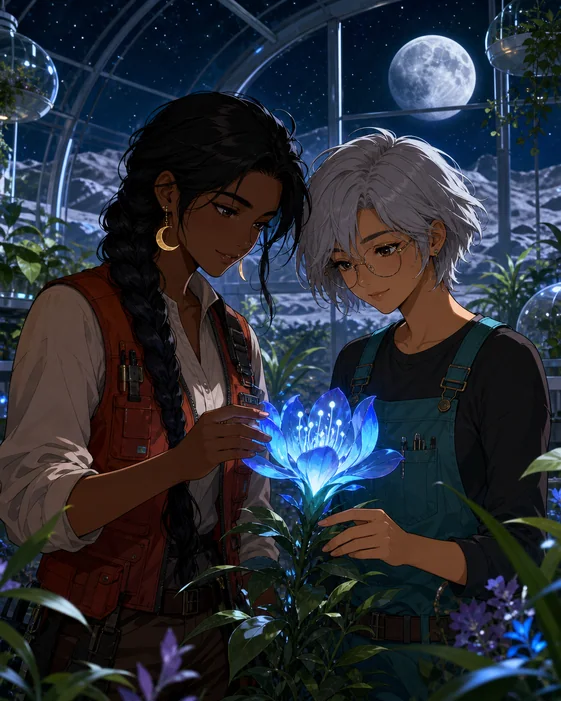
Lunar Garden Duo: AI Anime Generator example

Lunar Garden Duo

A warm friendship portrait with complementary character designs and dreamy botanical light.

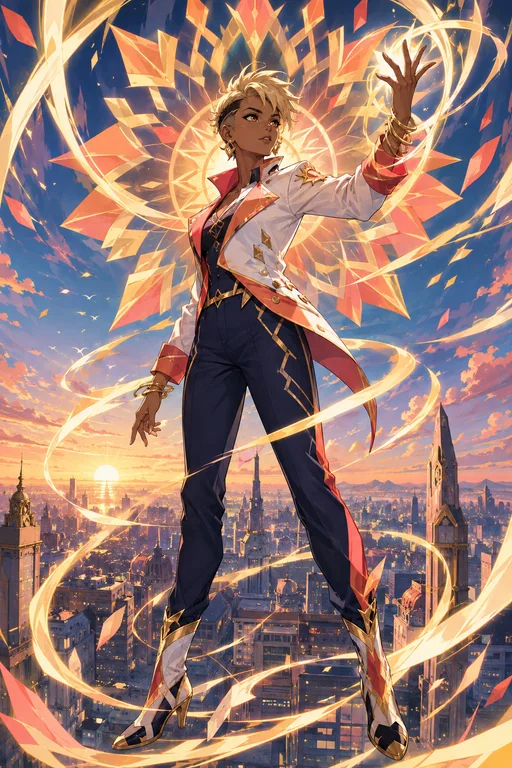
Solar Guardian: AI Anime Generator example

Solar Guardian

Original magical-guardian key art with bold light ribbons and a distinctive costume.

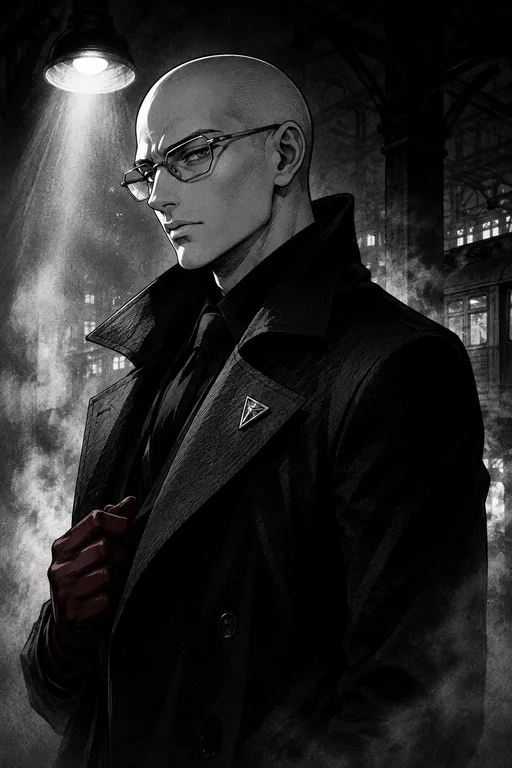
Manga Detective Portrait: AI Anime Generator example

Manga Detective Portrait

A striking black-and-white portrait using expressive ink, screentone, and noir light.

Create your own

A stronger starting brief

Details worth specifying

  • Define the character first. Prioritize silhouette, face, hair, outfit, and expression before adding environmental detail.
  • Name the shot. Specify close-up, full body, wide scene, low angle, or another deliberate camera view.
  • Protect continuity. When refining, repeat the costume, colors, props, and identity details that must stay unchanged.
  • Keep it original. Describe visual qualities instead of requesting an exact living artist style or copyrighted character.

Frequently asked questions

What can I create with an AI anime generator?

You can create original anime characters, portraits, avatars, cinematic scenes, fantasy environments, mascots, and story illustrations from text or reference images.

Can I use a reference image?

Yes. Upload a character, pose, outfit, or composition reference and explain what should remain recognizable and what should change.

Can I refine the same character?

Yes. Continue in the same conversation and restate the identity, costume, palette, and other details that should remain consistent.

Can I create an existing copyrighted character?

Use Vismuse for original characters and concepts. Avoid requesting an exact copyrighted character or the distinctive style of a living artist.

Is the AI anime generator free?

Image generation uses Vismuse credits. Check the current pricing page and the credit requirement shown before generating.

Explore more image tools

AI Image MakerBrowse templatesPlans and creditsExplore all toolsAI Comic Generator
Español
Português (Brasil)
日本語
繁體中文