Vismuse
AI Video GeneratorCreate short AI videos from prompts, references, and briefs.AI Flyer GeneratorTurn events, offers, and listings into flyers.AI Brochure GeneratorStructure company, product, and service content into brochures.AI Album Cover GeneratorDesign album covers, mixtape art, and single artwork.AI Image MakerCreate any image from a prompt, link, or reference.Product Ad GeneratorGenerate product promo images and ad creatives.AI Room DesignUpload a room photo and redesign interiors with AI.Background RemoverRemove backgrounds for clean cutouts and product images.Business Card MakerCreate print-ready front and back business card designs.AI Logo GeneratorCreate logo concepts, brand marks, badges, and monograms.Tattoo GeneratorCreate tattoo concepts, stencil ideas, flash art, and sleeve layouts.AI Poster MakerCreate posters for events, product promotions, movies, lost-and-found notices, and more.Invitation MakerCreate birthday invitations, party invites, and event cards.AI Book Cover GeneratorCreate ebook, Kindle, and paperback cover concepts.AI Sticker GeneratorCreate stickers, reactions, and sticker sheets.AI Wallpaper GeneratorGenerate phone and desktop wallpapers.
AI VideoToolsTemplatesResourcesPricing
DocsWhat is Vismuse?

What is Vismuse?

Vismuse is a conversational AI creative agent for generating and editing images and videos through chat—no traditional editor required, on desktop or mobile.

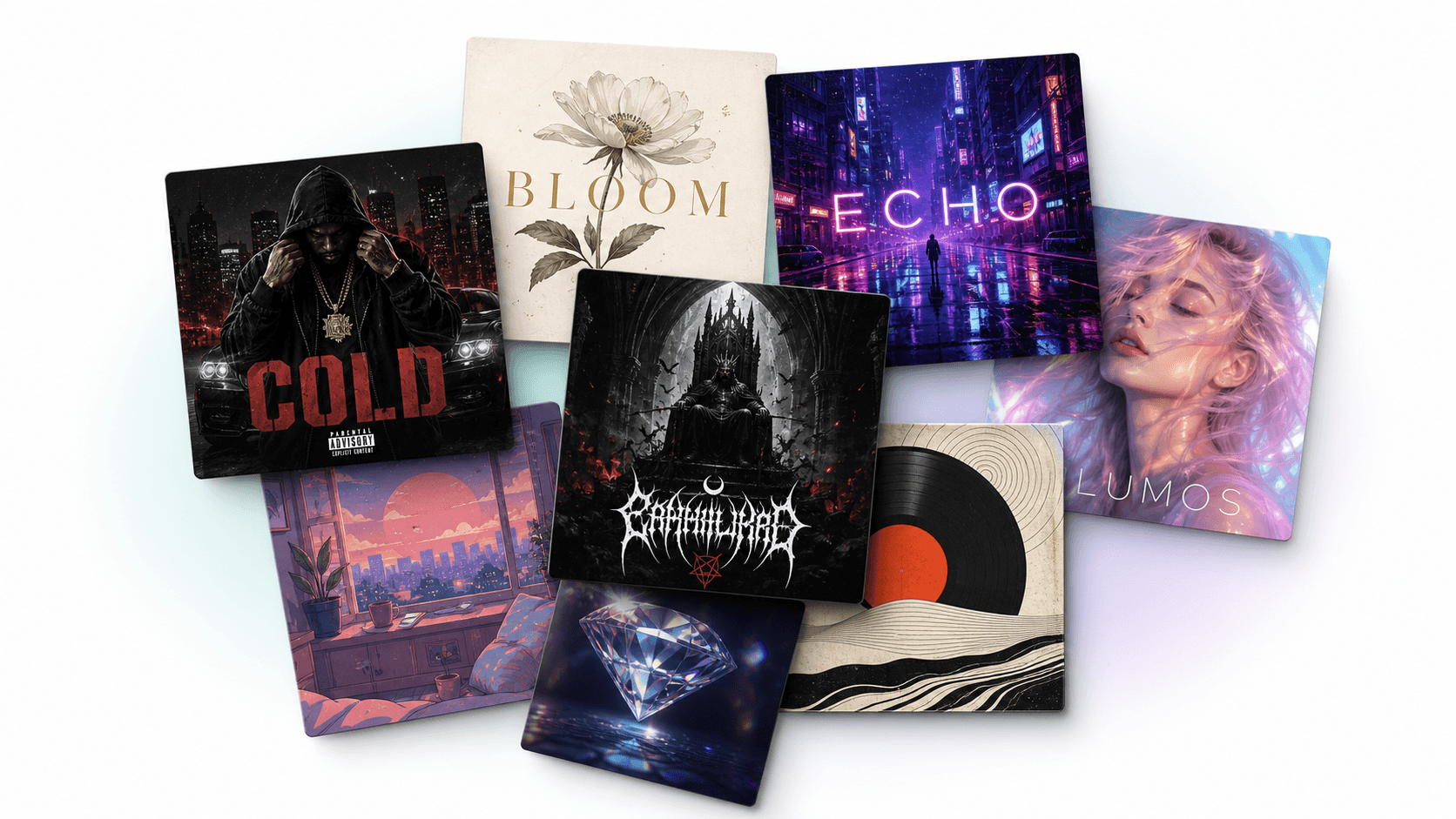
A collection of visual work created with Vismuse

Start with a request, not a blank canvas. Vismuse understands the result you need, creates a first draft, and keeps the context ready for focused revisions through conversation.

What can you create with Vismuse?

Create short videos, flyers, album covers, product ads, social graphics, custom images, and more. Focused tools provide the right starting point for each format, while AI Image Maker handles open-ended visual work.

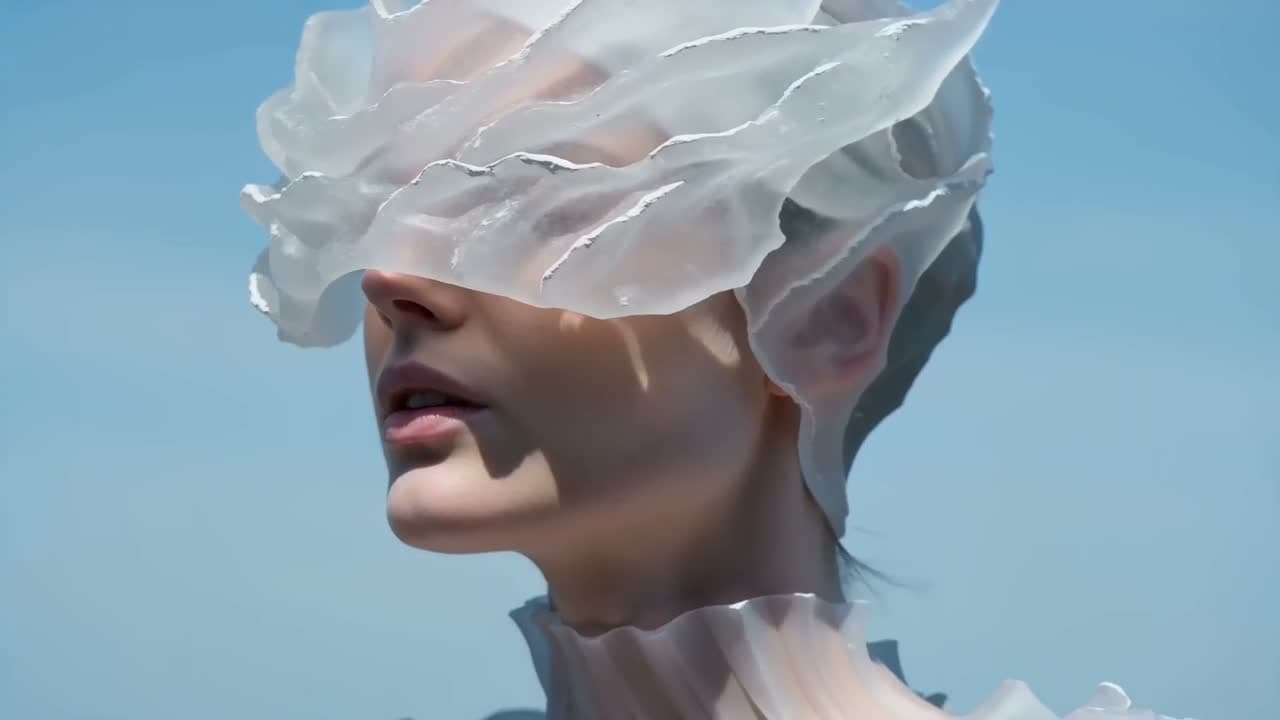
Cinematic AI video frame created with Vismuse
AI video
Real estate flyer designs created with Vismuse
Flyers
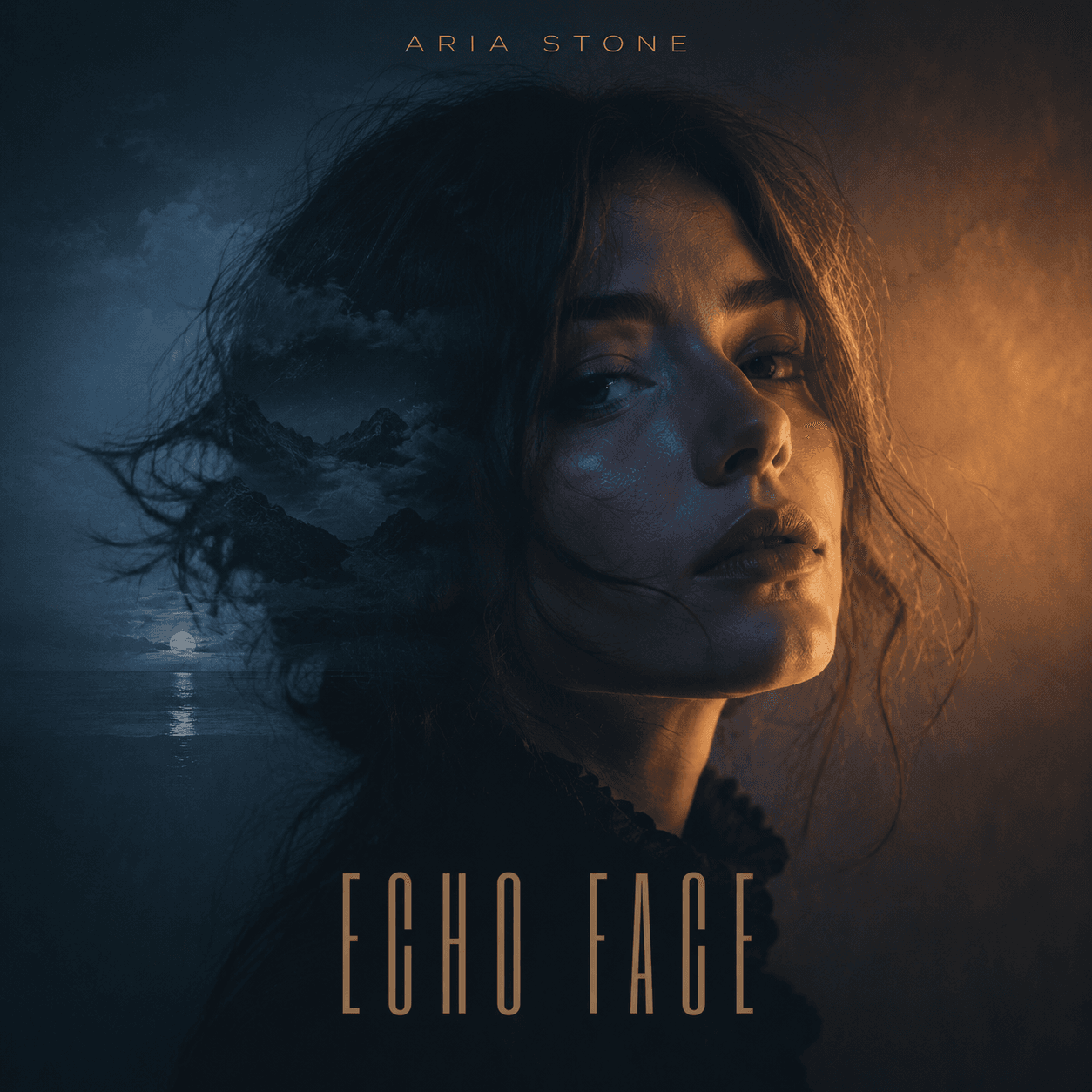
Artist portrait album cover created with Vismuse
Album covers

How Vismuse works

  1. Describe the result. Tell Vismuse what you want to create.
  2. Add context. Include the subject, style, text, final use, or a reference.
  3. Let the agent create. Vismuse chooses the right workflow and builds a first draft.
  4. Refine through chat. Ask for focused changes without operating an editor.
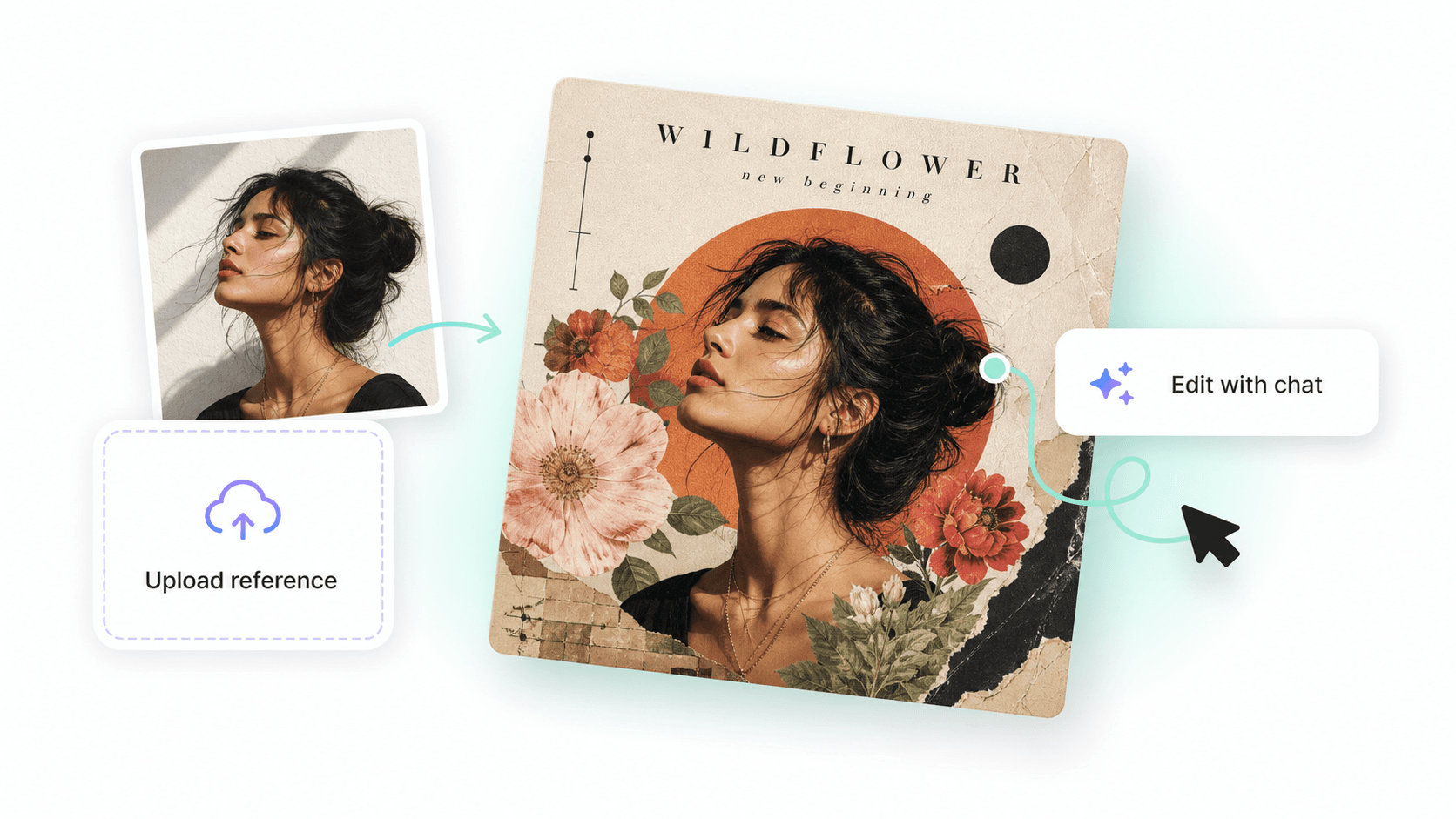
A portrait reference transformed into album artwork with Vismuse
Use a reference image, then describe what to keep and what to change.

Which tool should you start with?

Use AI Video Generator for short videos, AI Flyer Generator for promotions and events, and AI Album Cover Generator for release artwork. Choose AI Image Maker when the request is more flexible.

Who is Vismuse for?

Vismuse is for creators, marketers, musicians, ecommerce teams, local businesses, and anyone who needs polished visual assets without a long production process or traditional editing workflow. It works on desktop and is designed to stay easy to use on mobile.

Learn the basics

Start with one of these short guides:

  • How to Use Vismuse: A Beginner’s Guide
  • Which Vismuse Tool Should You Use?
  • How to Write Better AI Prompts in Vismuse
  • How to Use Reference Images in Vismuse
  • How to Choose Image Size, Aspect Ratio, and Resolution

Start with the result you need

Choose a Vismuse tool and turn your brief into a first draft.

Explore toolsRead the beginner’s guide
Vismuse

Create and edit images and videos through conversation—no traditional editor required.

support@vismuse.com

Product

AI Image GeneratorAI Video GeneratorAI Animation GeneratorAlbum Cover MakerProduct Ad MakerAI Flyer Maker

Templates

All TemplatesFlyer TemplatesAlbum Covers

Resources

Help CenterDocsToolsPricing

Company

Contact supportAbout VismuseAcceptable UsePrivacyTermsRefund PolicyCookies
© 2026 Vismuse. All rights reserved.
EnglishDeutschFrançaisEspañolPortuguês (Brasil)日本語繁體中文