
Turn your photo into cover art
Upload an artist portrait or band photo and describe the background, mood, and composition you want.
Photo to album cover guideUse Vismuse's album cover generator to turn your idea or artist photo into album cover art. Add your artist name and release title, refine the colors and layout through chat, then download your cover.
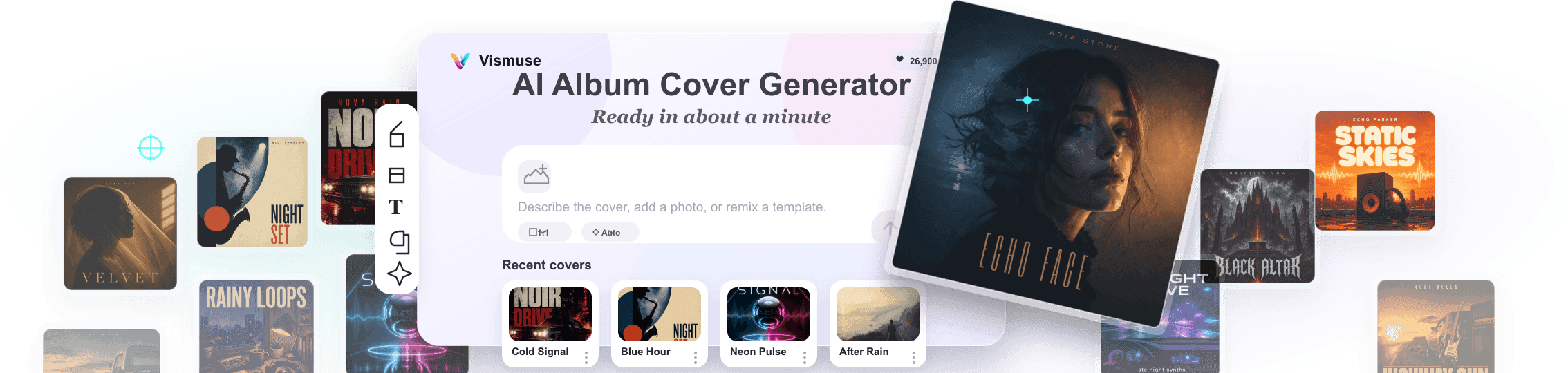
Start with a photo, a written idea, or a template for your album, single, EP, or mixtape.
Upload an artist portrait or band photo and describe the background, mood, and composition you want.
Photo to album cover guideInclude the exact text in your brief. Ask for changes to its size, placement, or style, then review the spelling.
Album cover text tipsBrowse cover templates or start with a genre prompt, then make the imagery and colors your own.
Explore cover art promptsUse the music cover maker for a full release, one song, or a mixtape. Choose the artwork around what listeners should notice first.
Build one visual identity around the album title, artist name, and sound. Start with a square composition and a clear focal point that still reads as a small thumbnail.
How to create album cover artGive a song its own artwork with a distinct image, color palette, and track title. Keep the artist identity consistent with the rest of your releases.
Find a cover art directionChoose an artist portrait, collage, or type-led design. Include the mixtape title, artist or DJ name, and any volume number; keep guest credits secondary to the main title.
Explore mixtape cover ideasCreate your music cover or start from an album cover template.
AI cover design in action
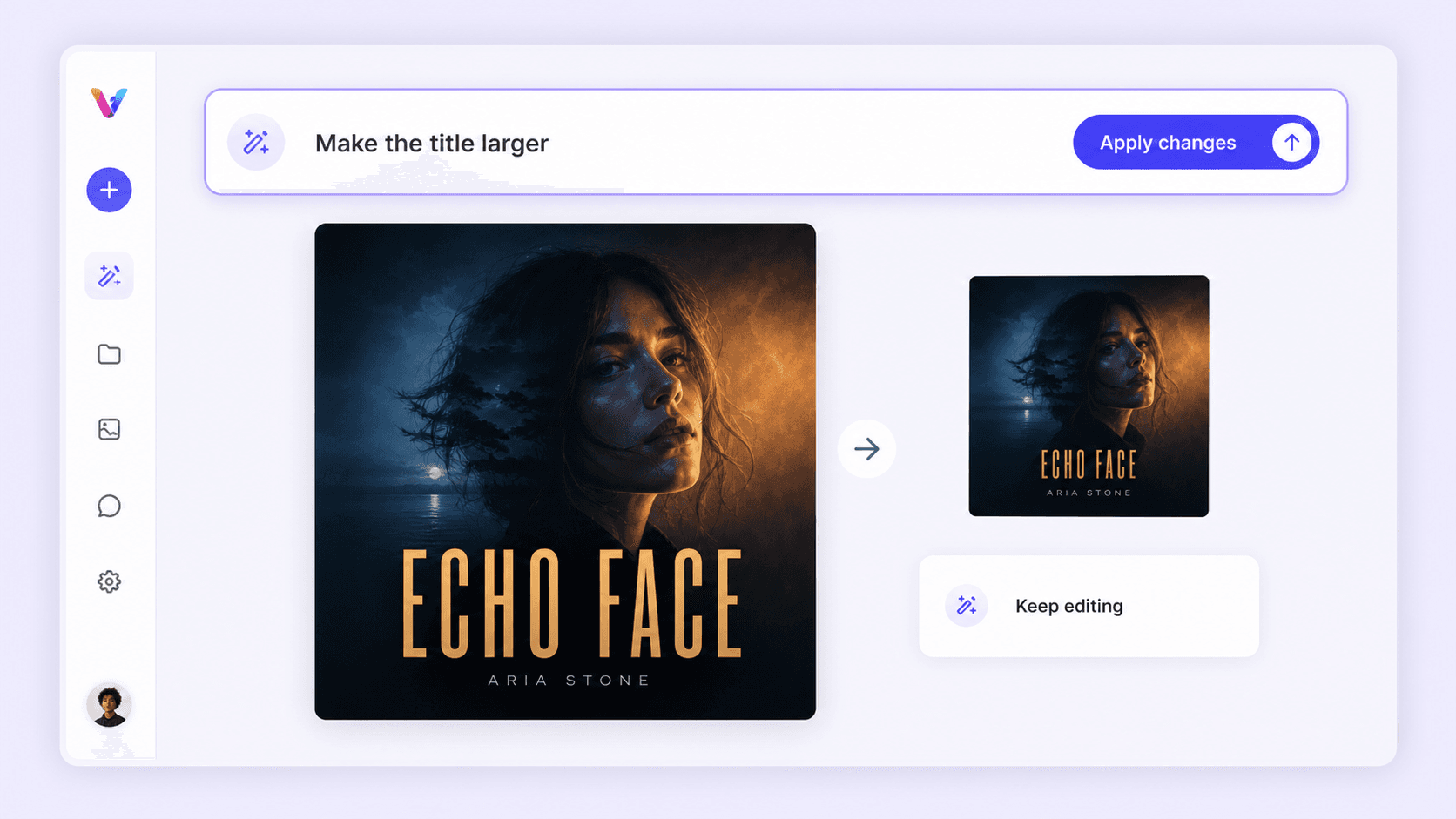
Turn a written brief or uploaded photo into polished square artwork, then refine it with ordinary language.
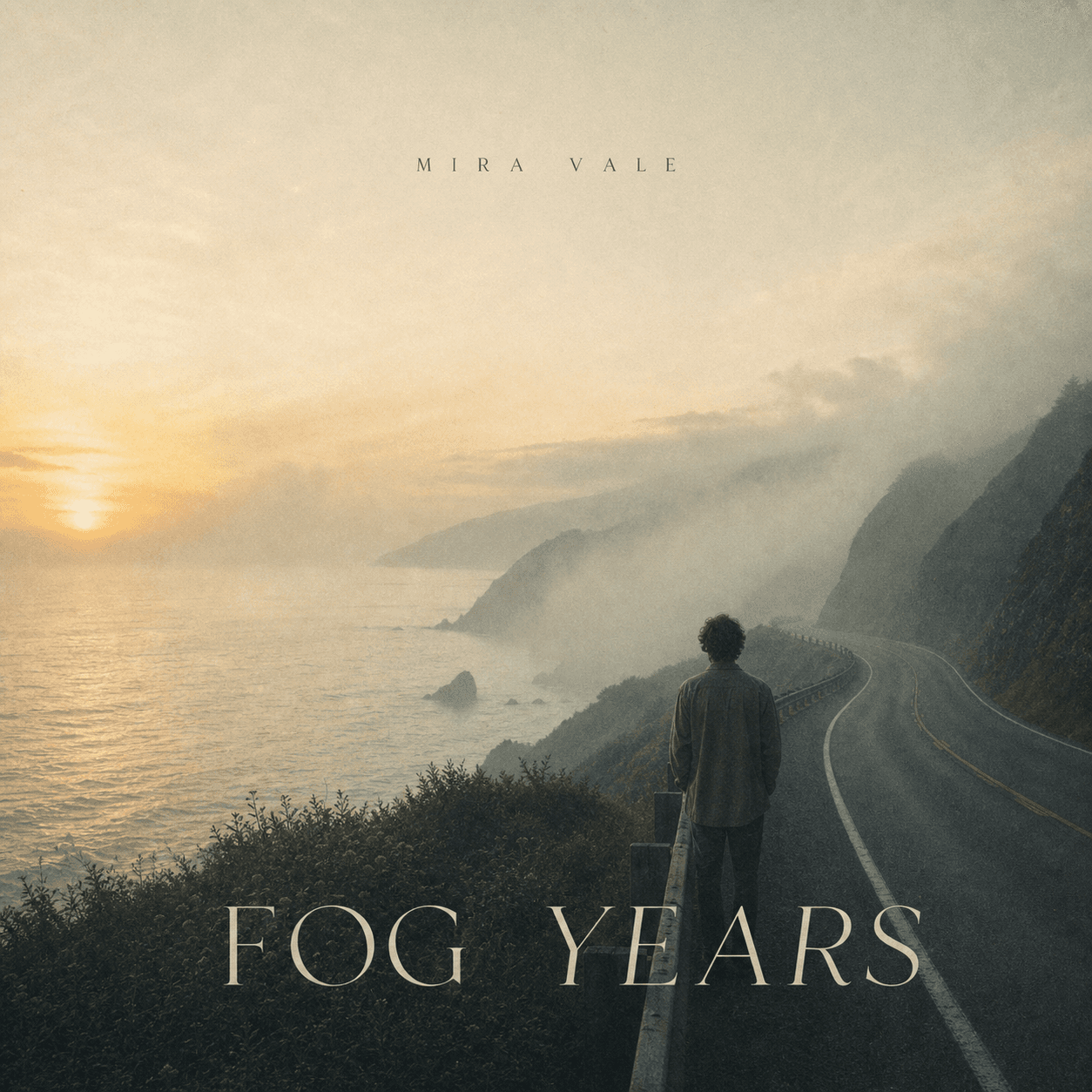
Create an atmospheric indie album cover called Fog Years. Use a cinematic coastal road, warm dawn light, subtle film grain, and restrained typography.
I've generated a first cover direction. Tell me what you want to change.
Use the photo I uploaded to create a new album cover. Make it cinematic, with deep blue shadows, warm amber light, and clear title space.

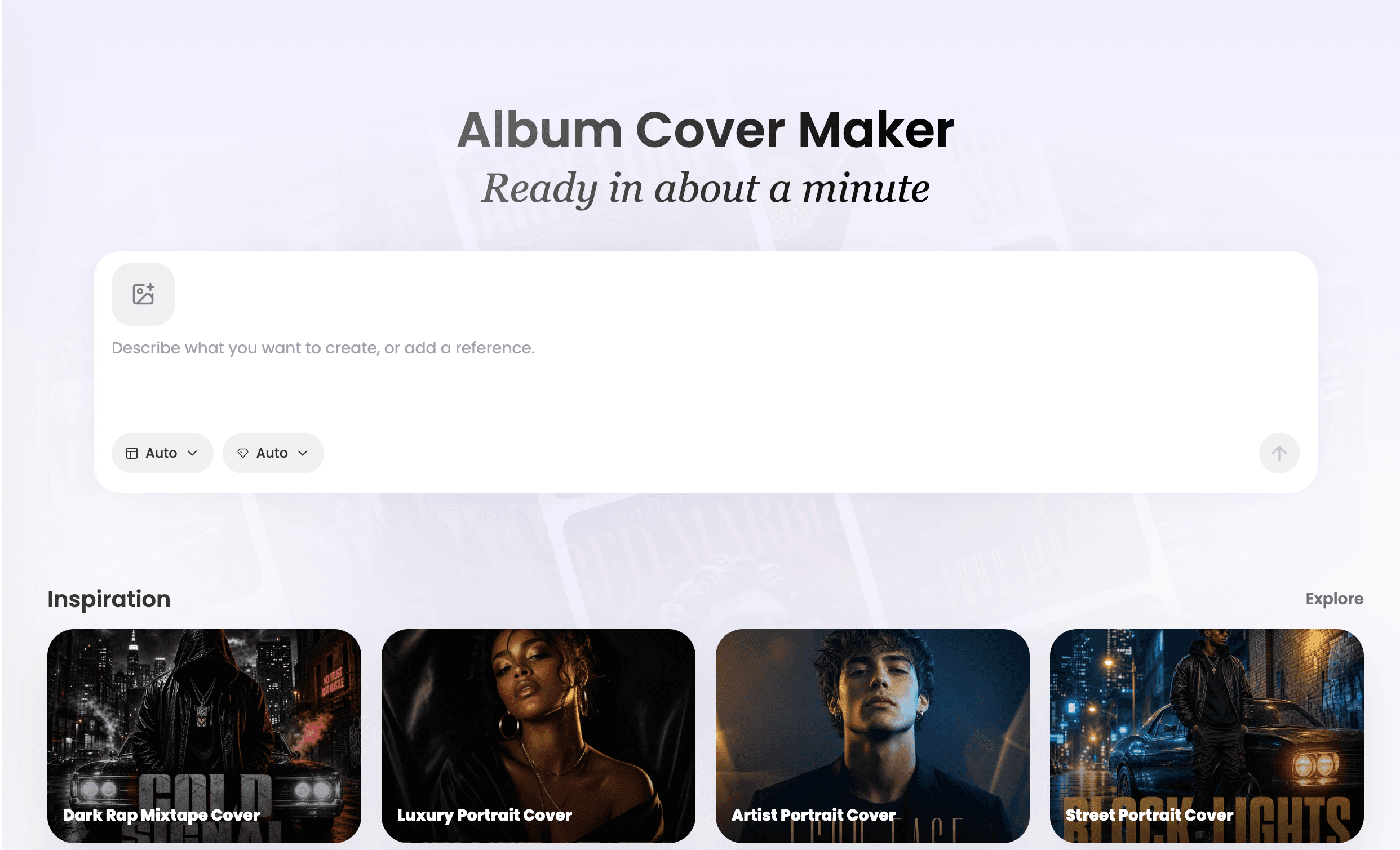
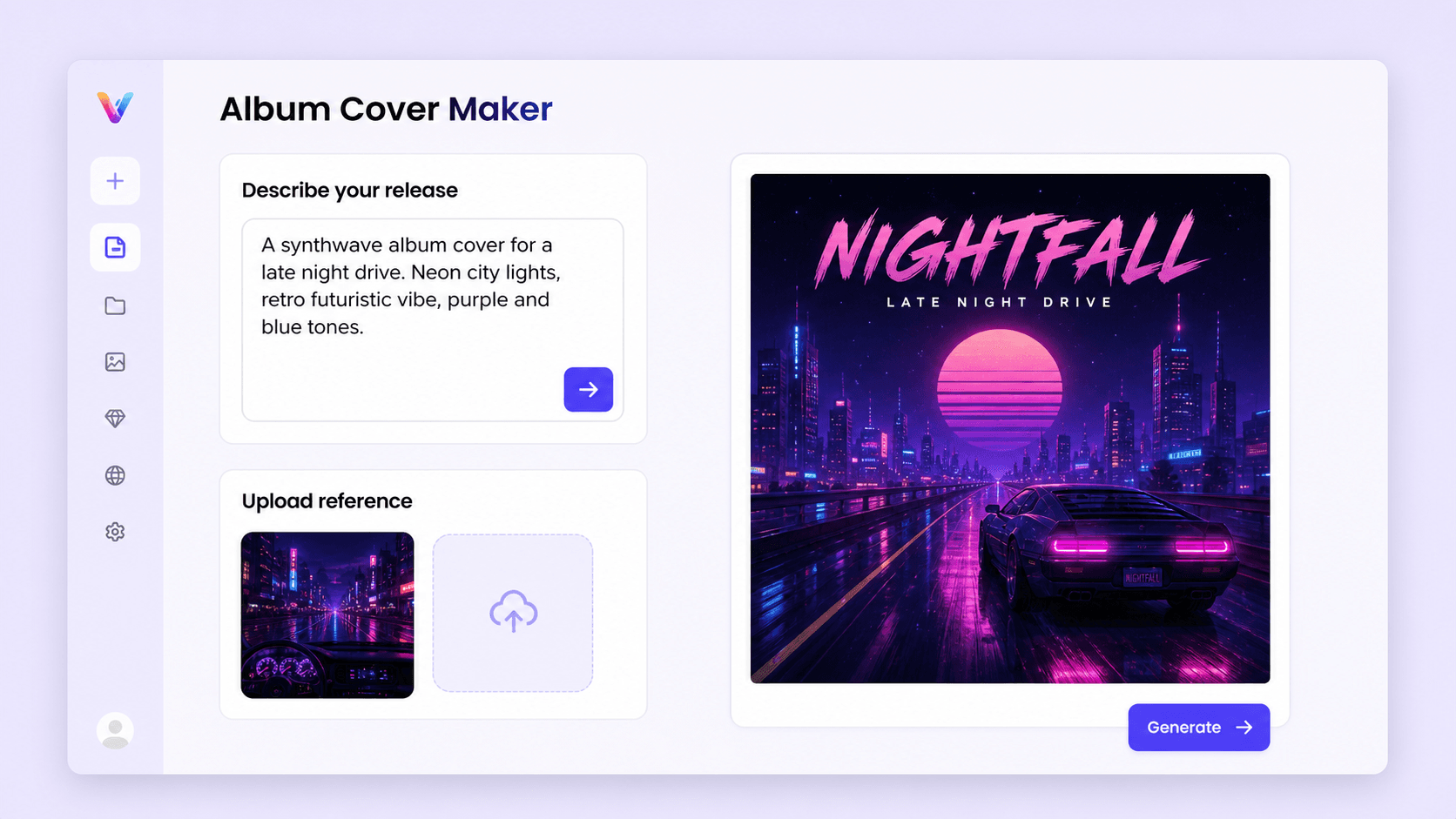
Start with the form above or open the album cover workspace. Choose a square 1:1 composition for music cover art.
Describe the album cover you want, add the title, genre, mood, and upload a reference image when you have one.
Ask for changes like stronger title space, a new palette, a different subject, or cleaner streaming thumbnail contrast.
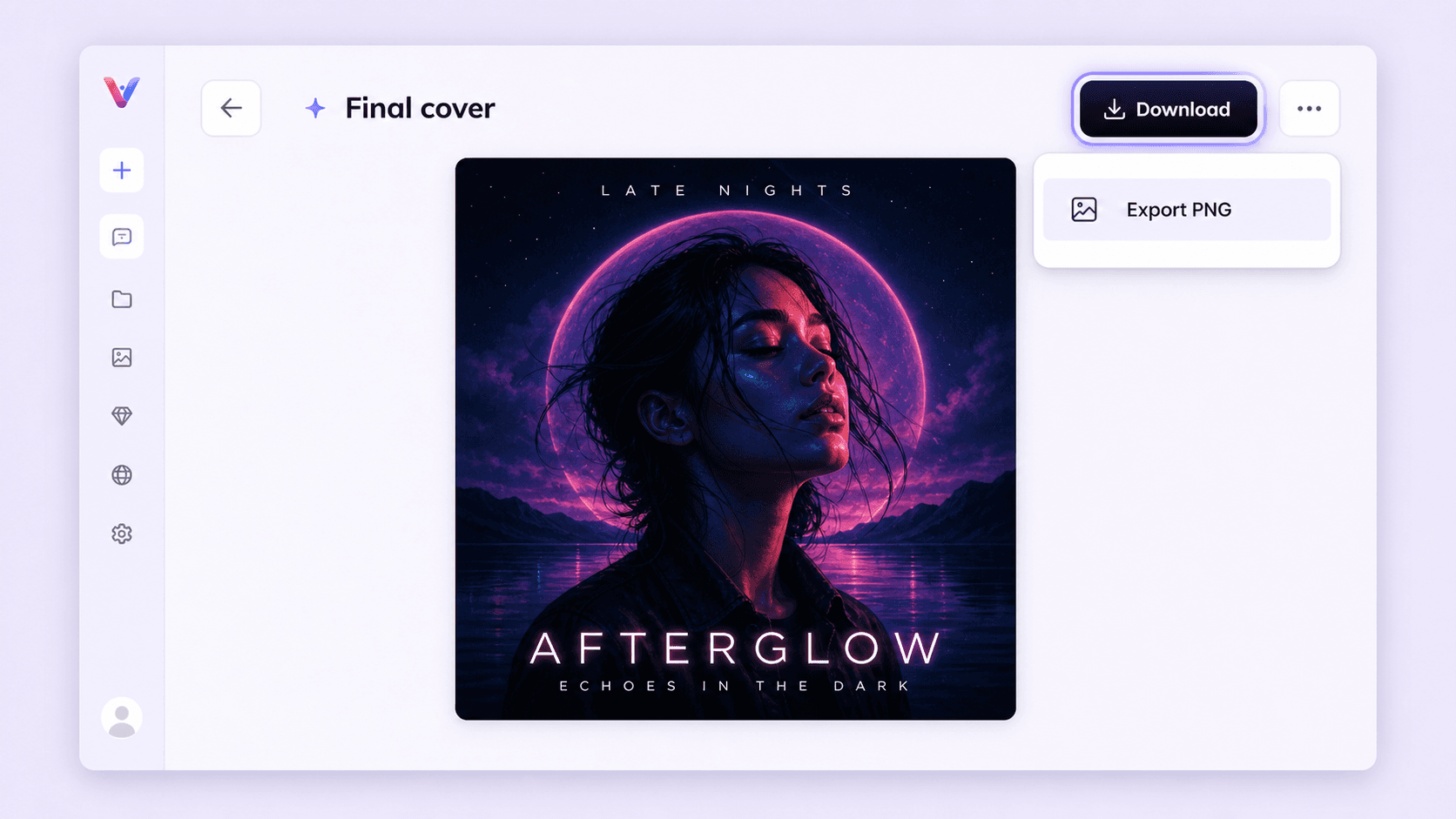
Review the title and artist name, then download your cover. Original image access unlocks PNG, JPG, and PDF exports. Check the file dimensions and your distributor or printer requirements before publishing.
Explore album cover ideas and choose a composition that fits your sound. Replace the sample title and artist name with your release details, then adapt the imagery and colors. For help describing your direction, browse our album cover prompts by genre and style.
 Gritty Rap City
 Rain Portrait Single
 Luxury Portrait Cover
 Street Portrait Cover
 Dark Photo Cover
 Parental Advisory Cover
 Black White Money
 Wet Glass
 Rupture
 Pop Punk Band
 Afterimage
 Still Here
Download and prepare your release
Check the artwork at full size and as a small thumbnail before sending it to your distributor.
See the album cover size guide for platform requirements and the current plans and pricing for access options. For precise layer placement or print preparation, use a dedicated editor after downloading.
Create your album coverDescribe the release title, artist, genre, mood, colors, imagery, and any typography direction. You can also upload an artist photo or visual reference. Generate a first draft, then ask Vismuse to revise the composition, title space, palette, subject, or overall mood through chat.
Start with a 1:1 square composition. The pixel dimensions depend on the generated image; PNG and JPG exports preserve the source dimensions rather than resizing it to a fixed release size. Check the downloaded file against your distributor's current pixel, file-size, and color requirements before uploading.
A strong album cover quickly communicates the sound and identity of the release. Vismuse is built around a rich album cover inspiration library, helping the AI follow proven cover-art patterns across genres, layouts, typography, and visual moods. Use one clear visual idea, colors that match the mood, typography that stays readable, and enough contrast for the artwork to work as a small streaming thumbnail.
Yes. Upload one or more reference images, such as an artist photo, band image, sketch, texture, logo, or moodboard, then tell Vismuse what to keep and what to change. You can use references as the main subject, style direction, or rough concept, then keep editing through chat so Vismuse can adjust the background, colors, composition, title space, and overall cover mood based on the context.
Most front covers include the release title, artist name, and a visual subject, symbol, portrait, texture, or typographic treatment that matches the genre. Keep the front focused so it is easy to recognize in a music app. For physical CD or vinyl releases, the back cover can also include a track list, credits, label details, contact information, website or social links, and barcode.
You can create artwork for those uses. For streaming, start with a 1:1 square, review the title and artist name, and check the exported file against the platform and distributor requirements. For print, check the printer's dimensions, bleed, and color requirements separately. Exporting a PDF does not automatically make an image ready for print.
Yes. Tell Vismuse what should change, such as the title treatment, artist name, colors, background, subject, visual intensity, or thumbnail contrast. Revisions happen through chat instead of a manual layer-by-layer editor.
PNG, JPG, and PDF format exports require access to the original image through an eligible purchase or subscription. PNG and JPG preserve the source pixel dimensions. PDF places the artwork on a page matching its aspect ratio; it does not add resolution, bleed, or a print color conversion.
Yes. Vismuse includes a limited free trial. If you create a cover you want to keep, you can unlock that eligible image with a one-time purchase or choose a monthly or annual plan for ongoing use.
Images downloaded through the free trial include a Vismuse watermark. An active subscription includes HD downloads without a watermark. An eligible one-time purchase unlocks an HD, watermark-free download of the current cover only.
Commercial use is included with eligible paid plans and purchases, subject to our Terms. Make sure you have the rights to uploaded photos, logos, fonts, and other reference materials, and review the finished cover before publishing it.
I've created a new portrait-led cover from your uploaded photo.