Vismuse
AI Video GeneratorCreate short AI videos from prompts, references, and briefs.AI Flyer GeneratorTurn events, offers, and listings into flyers.AI Brochure GeneratorStructure company, product, and service content into brochures.AI Album Cover GeneratorDesign album covers, mixtape art, and single artwork.AI Image MakerCreate any image from a prompt, link, or reference.Product Ad GeneratorGenerate product promo images and ad creatives.AI Room DesignUpload a room photo and redesign interiors with AI.Background RemoverRemove backgrounds for clean cutouts and product images.Business Card MakerCreate print-ready front and back business card designs.AI Logo GeneratorCreate logo concepts, brand marks, badges, and monograms.Tattoo GeneratorCreate tattoo concepts, stencil ideas, flash art, and sleeve layouts.AI Poster MakerCreate posters for events, product promotions, movies, lost-and-found notices, and more.Invitation MakerCreate birthday invitations, party invites, and event cards.AI Book Cover GeneratorCreate ebook, Kindle, and paperback cover concepts.AI Sticker GeneratorCreate stickers, reactions, and sticker sheets.AI Wallpaper GeneratorGenerate phone and desktop wallpapers.
AI VideoToolsTemplatesResourcesPricing
HomeToolsAI Logo Generator

AI Logo Generator

Create original logo concepts and brand directions from a focused business brief.

Create a logo with AI
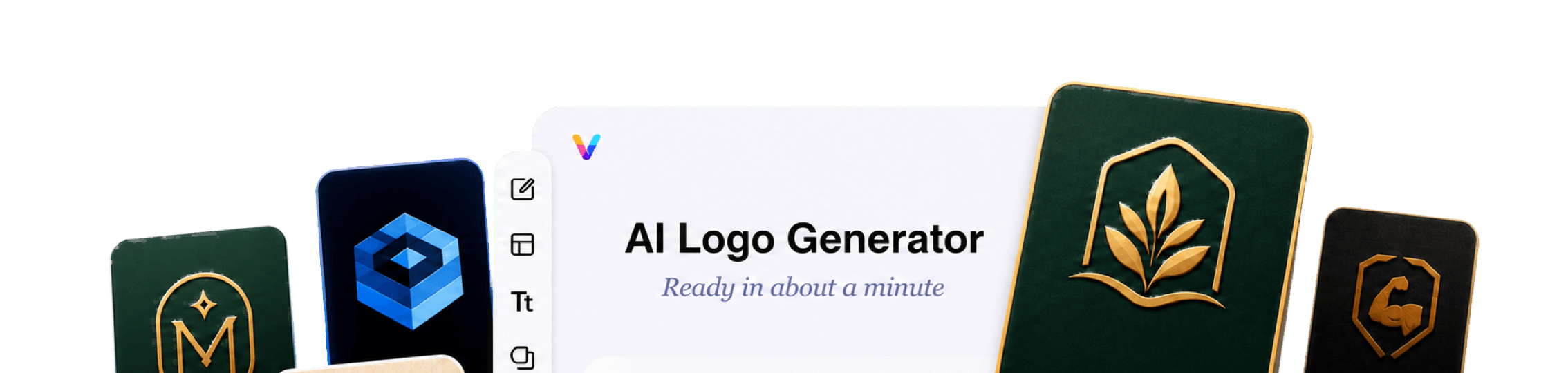
Vismuse AI Logo Generator workspace surrounded by business marks, monograms, badges, mascots, and brand mockups
Vismuse

Create and edit images and videos through conversation—no traditional editor required.

support@vismuse.com

Product

AI Image GeneratorAI Video GeneratorAI Animation GeneratorAlbum Cover MakerProduct Ad MakerAI Flyer Maker

Templates

All TemplatesFlyer TemplatesAlbum Covers

Resources

Help CenterDocsToolsPricing

Company

Contact supportAbout VismuseAcceptable UsePrivacyTermsRefund PolicyCookies
© 2026 Vismuse. All rights reserved.
EnglishDeutschFrançais
Business logosWordmarksBrand symbolsMonogramsBadge logosMascot conceptsApp icons

Explore logo ideas without starting from a blank artboard.

Give Vismuse a focused brand brief and logo direction. It creates visual concepts that you can compare, simplify, and refine through chat.

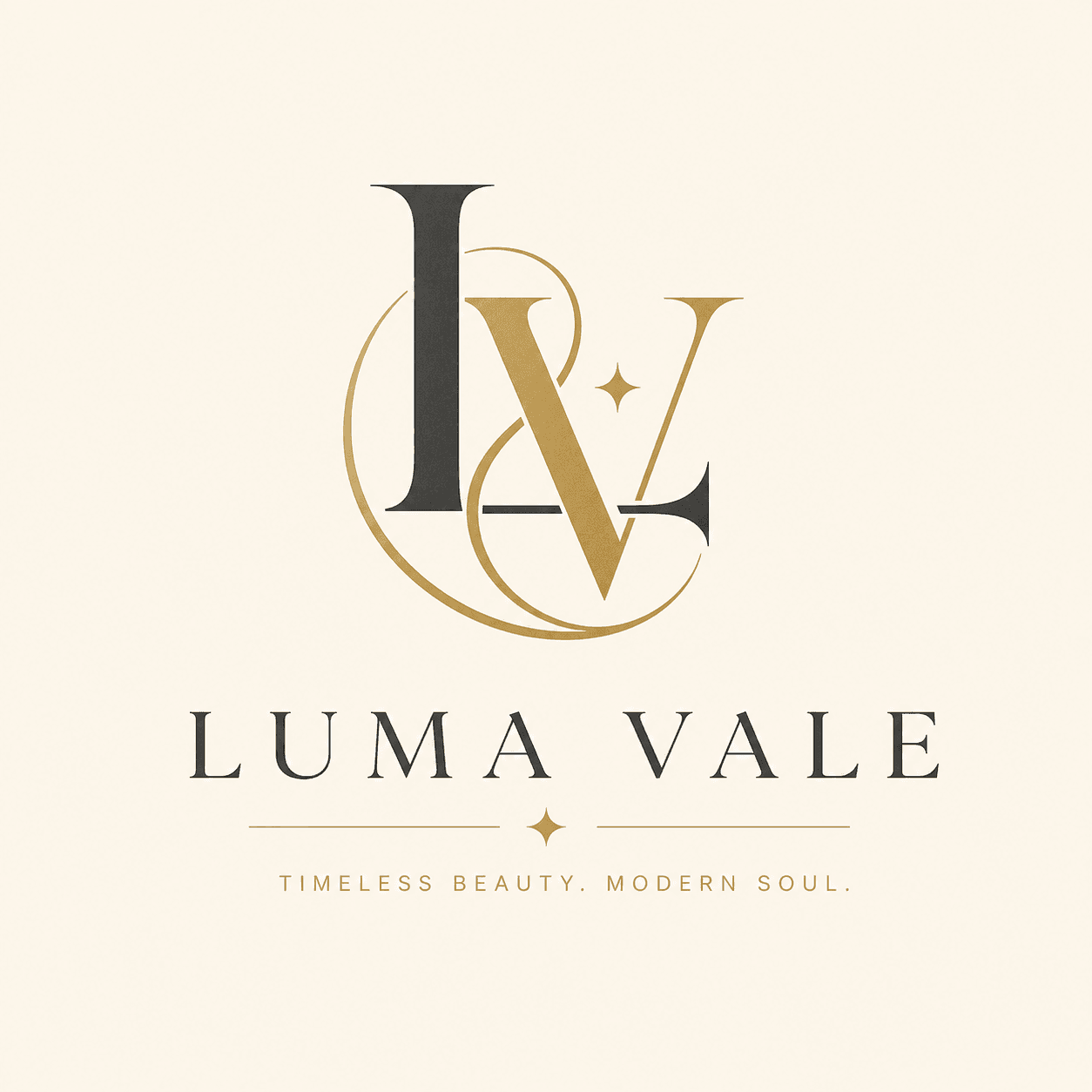
Luxury monogram logo concept generated with AI

Start with the exact brand name, industry, audience, and impression the identity should create. Explain what makes the product, company, or creator brand distinct.

Choose a wordmark, symbol, monogram, badge, mascot, or app icon. Add a limited palette, useful visual cues, initials, and the surfaces where the logo needs to work.

Generate several concept directions, then continue through chat to simplify the strongest mark, improve spacing, adjust color, and test a more consistent brand system.

How to create a logo with AI

Start designing now
Creative studio logo generated from a brand description
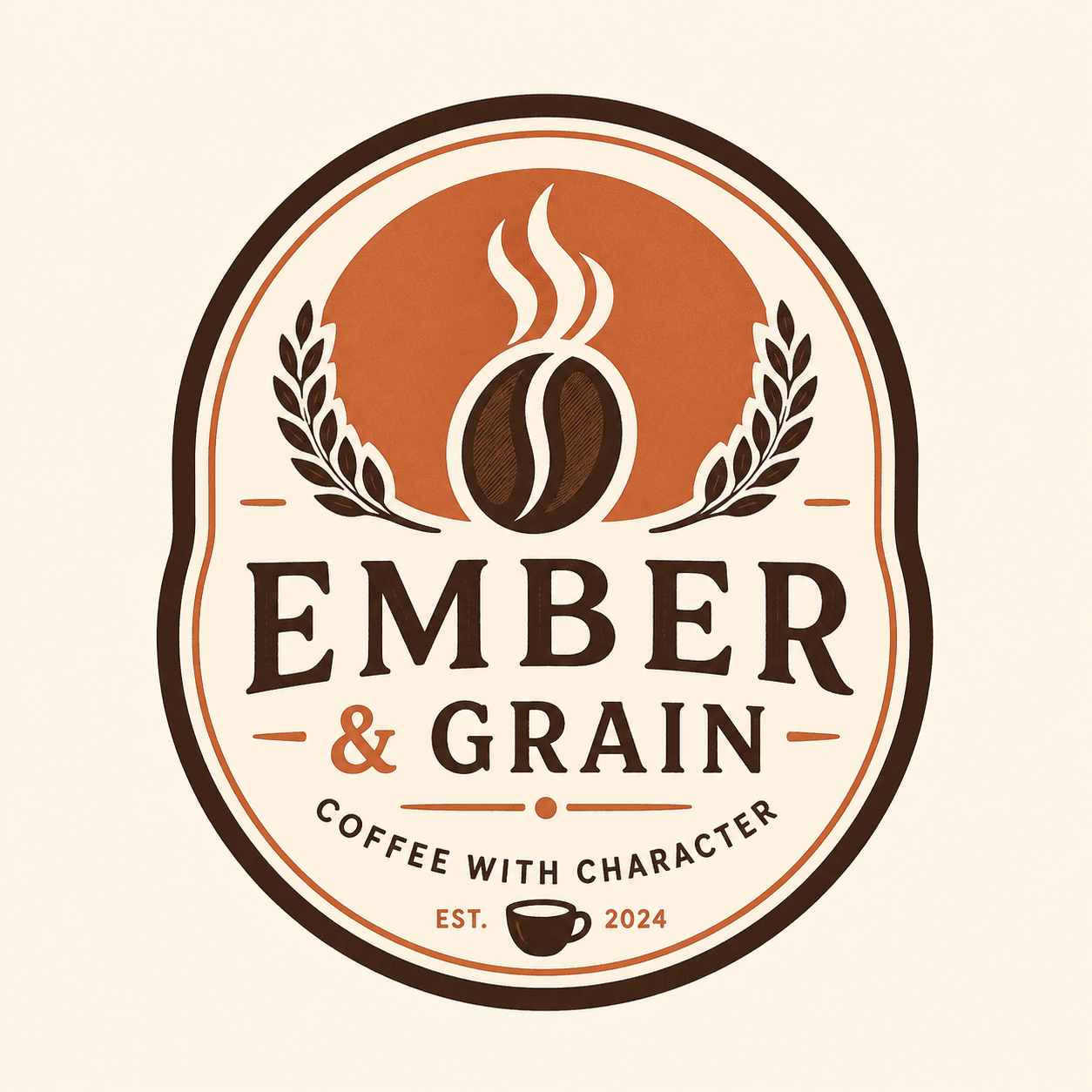
Coffee shop badge logo showing a clear logo type
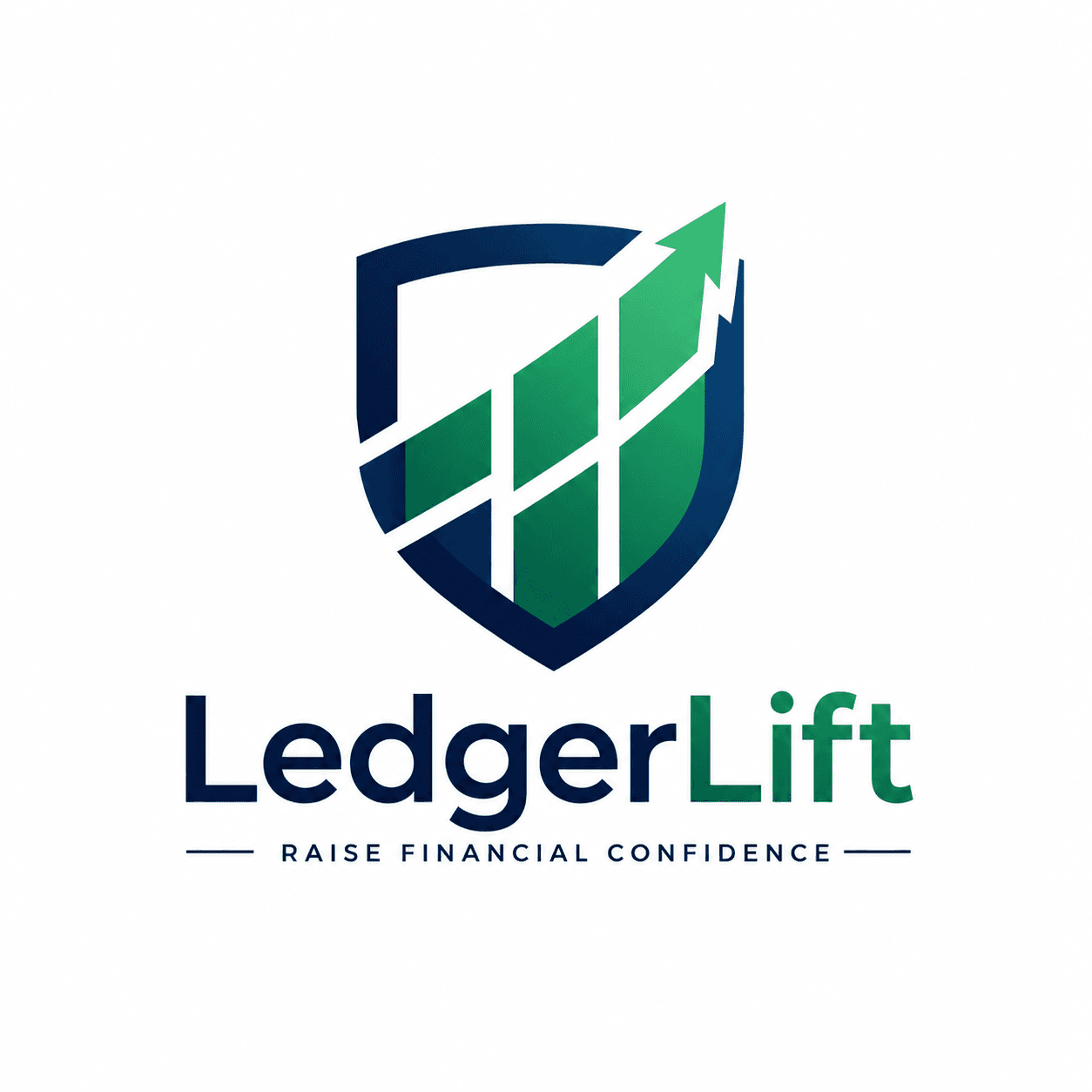
Fintech logo symbol built from a focused color and shape direction
Refined modern startup logo mark with a simple scalable shape

Browse AI Logo Templates

Modern Startup Logo Mark AI logo TemplateModern Startup Logo MarkCoffee Shop Badge Logo AI logo TemplateCoffee Shop Badge LogoLuxury Monogram Logo AI logo TemplateLuxury Monogram LogoReal Estate Logo Mark AI logo TemplateReal Estate Logo MarkSaaS App Icon Logo AI logo TemplateSaaS App Icon LogoWellness Brand Logo AI logo TemplateWellness Brand LogoRestaurant Mascot Logo AI logo TemplateRestaurant Mascot LogoEcommerce Wordmark Logo AI logo TemplateEcommerce Wordmark LogoFitness Badge Logo AI logo TemplateFitness Badge LogoBeauty Studio Logo System AI logo TemplateBeauty Studio Logo SystemFintech Symbol Logo AI logo TemplateFintech Symbol LogoCreative Studio Logo AI logo TemplateCreative Studio Logo
Browse Logo Templates

Explore logo directions built around the brand brief

Tell Vismuse what the business does, who it serves, and how it should feel. Add the brand name and the logo type you want so the AI can explore relevant symbols, letterforms, shapes, and visual territory.

Try this logo direction
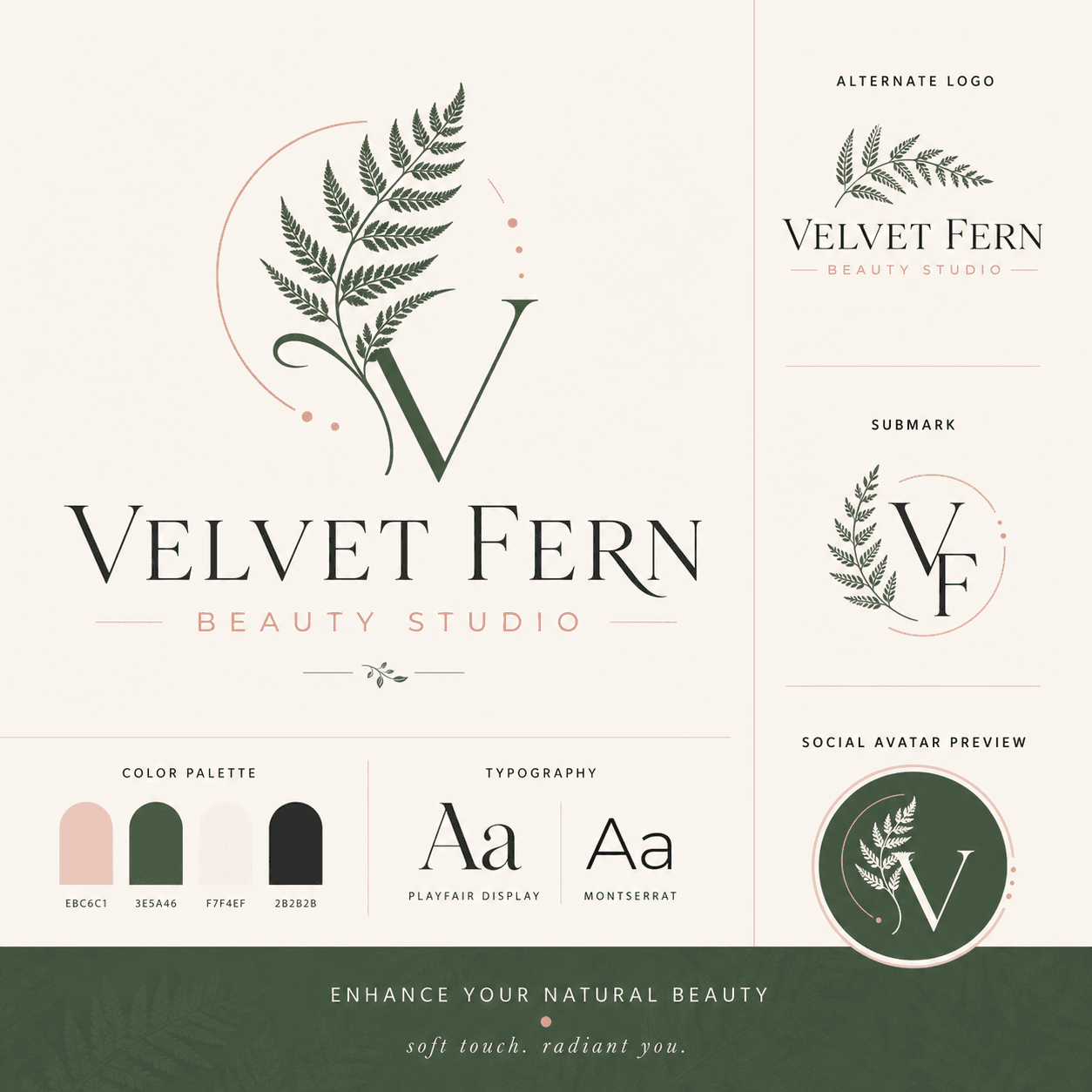
Creative studio logo and supporting brand direction

Create wordmarks, symbols, monograms, badges, and mascots

Choose a focused logo category instead of asking for every style at once. A clear direction makes it easier to compare useful concepts for a startup, local business, restaurant, app, product, creator brand, or service.

Try this logo direction
Coffee shop badge logo concept for a local business

Refine a concept into a more consistent visual system

Continue through chat to simplify the mark, reduce colors, adjust spacing, test another layout, or explore supporting brand applications. Review every result at small size and across the surfaces where the identity will appear.

Try this logo direction
Beauty studio logo shown as part of a coordinated brand system

Frequently Asked Questions

What is an AI logo generator?

An AI logo generator turns a brand brief into visual logo concepts. You provide the brand name, industry, audience, logo type, style, colors, and useful symbols, then generate and refine directions such as wordmarks, monograms, badges, mascots, or abstract marks.

How do I create a logo with AI?

Start with the brand name, industry, audience, and the impression the logo should create. Choose one logo type, add a limited palette and relevant visual cues, generate concept options, and refine the strongest direction for simplicity and recognition.

What information should I include in a logo prompt?

Include the exact brand name, what the business or product does, the target audience, desired personality, logo type, color direction, symbols or initials, and usage context. Mention words or visual ideas to avoid when they could cause confusion.

Can I make wordmarks, monograms, badges, and mascot logos?

Yes. Ask for the specific logo category you want to explore. Wordmarks emphasize the name, monograms focus on initials, badges use an enclosed emblem, mascots use a character, and symbol marks aim for a compact recognizable shape.

Can I refine a generated logo?

Yes. Continue in the same conversation and ask for focused changes such as fewer colors, a simpler symbol, clearer spacing, a different layout, stronger initials, or a version that remains recognizable at small sizes.

Can I use an AI-generated logo for my business?

Generated concepts can be used as business identity directions subject to the current Vismuse terms. Before adopting a logo, review the design for originality, check relevant trademark databases and legal requirements, and have production-ready files prepared for your final applications.

Will the logo be ready for print and every file format?

Vismuse generates logo concept images. Confirm resolution, color, transparency, and file requirements for each use. A designer may need to redraw the selected concept as vector artwork and prepare final SVG, PDF, EPS, or print-production files.

How can I make an AI logo look more professional?

Use one clear idea, limit the palette, avoid unnecessary detail, and test the mark at small size. Refine the spacing and relationship between the symbol and name, then review the identity on realistic applications rather than judging only one large image.

Explore Logo and Brand Tools

AI Logo Generator DocsBrowse Logo TemplatesAI Image MakerProduct Ad GeneratorBusiness Card MakerAll AI Image Tools
Español
Português (Brasil)
日本語
繁體中文