Vismuse
AI Video GeneratorCreate short AI videos from prompts, references, and briefs.AI Flyer GeneratorTurn events, offers, and listings into flyers.AI Brochure GeneratorStructure company, product, and service content into brochures.AI Album Cover GeneratorDesign album covers, mixtape art, and single artwork.AI Image MakerCreate any image from a prompt, link, or reference.Product Ad GeneratorGenerate product promo images and ad creatives.AI Room DesignUpload a room photo and redesign interiors with AI.Background RemoverRemove backgrounds for clean cutouts and product images.Business Card MakerCreate print-ready front and back business card designs.AI Logo GeneratorCreate logo concepts, brand marks, badges, and monograms.Tattoo GeneratorCreate tattoo concepts, stencil ideas, flash art, and sleeve layouts.AI Poster MakerCreate posters for events, product promotions, movies, lost-and-found notices, and more.Invitation MakerCreate birthday invitations, party invites, and event cards.AI Book Cover GeneratorCreate ebook, Kindle, and paperback cover concepts.AI Sticker GeneratorCreate stickers, reactions, and sticker sheets.AI Wallpaper GeneratorGenerate phone and desktop wallpapers.
AI VideoToolsTemplatesResourcesPricing
DocsAI Logo Generator Docs

Logos and brand visuals

AI Logo Generator documentation

Use AI Logo Generator when you need fast logo concept directions for a business, app, product, creator brand, or campaign identity.
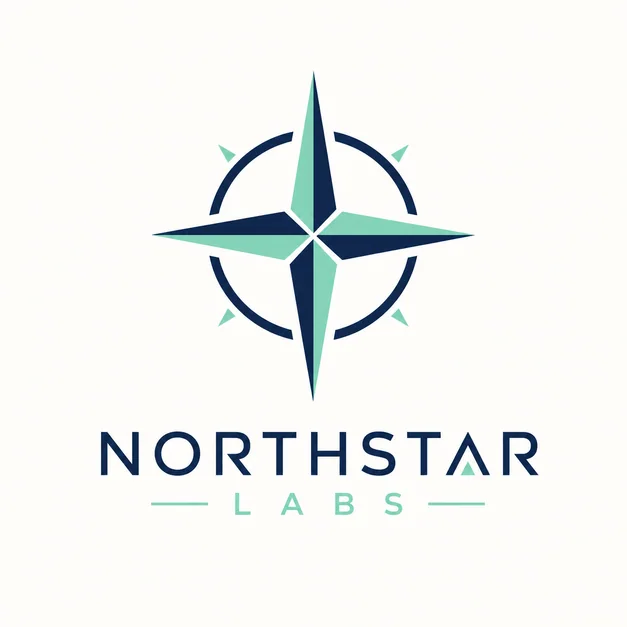
Modern startup logo template from the Vismuse library
Open AI Logo Generator

When to use it

Use this workflow for AI logo concepts, brand marks, wordmark directions, monograms, badge logos, mascot logo ideas, and small business identity exploration.

It works best for generating original directions and visual systems rather than copying an existing company mark.

Supported inputs

Start with the brand name, industry, logo type, style, color palette, symbols, and any words or letters that must appear. Mention whether the logo should feel modern, premium, playful, local, tech, organic, or editorial.

  • Brand name and industry
  • Logo type or mark direction
  • Style and color palette
  • Symbols, initials, or usage context

What Vismuse generates

Vismuse generates logo concept images and brand visual directions that can be refined for simplicity, color, mark shape, typography direction, and layout.

  • Logo concepts
  • Brand marks
  • Monograms and badges
  • Small business logo ideas

Workflow

  1. Describe the brand
  2. Choose logo type, style, and industry
  3. Generate logo concepts
  4. Refine mark, color, and layout

Tips

  • Use a fictional or owned brand name.
  • Ask for limited colors and a simple scalable mark.
  • Avoid requesting an existing brand style or trademarked logo.

Explore related tools

  • AI Image Maker
  • Product Ad Generator
  • Logo Templates
Vismuse

Create and edit images and videos through conversation—no traditional editor required.

support@vismuse.com

Product

AI Image GeneratorAI Video GeneratorAI Animation GeneratorAlbum Cover MakerProduct Ad MakerAI Flyer Maker

Templates

All TemplatesFlyer TemplatesAlbum Covers

Resources

Help CenterDocsToolsPricing

Company

Contact supportAbout VismuseAcceptable UsePrivacyTermsRefund PolicyCookies
© 2026 Vismuse. All rights reserved.
EnglishDeutschFrançaisEspañolPortuguês (Brasil)日本語繁體中文