Vismuse
AI Video GeneratorCreate short AI videos from prompts, references, and briefs.AI Flyer GeneratorTurn events, offers, and listings into flyers.AI Brochure GeneratorStructure company, product, and service content into brochures.AI Album Cover GeneratorDesign album covers, mixtape art, and single artwork.AI Image MakerCreate any image from a prompt, link, or reference.Product Ad GeneratorGenerate product promo images and ad creatives.AI Room DesignUpload a room photo and redesign interiors with AI.Background RemoverRemove backgrounds for clean cutouts and product images.Business Card MakerCreate print-ready front and back business card designs.AI Logo GeneratorCreate logo concepts, brand marks, badges, and monograms.Tattoo GeneratorCreate tattoo concepts, stencil ideas, flash art, and sleeve layouts.AI Poster MakerCreate posters for events, product promotions, movies, lost-and-found notices, and more.Invitation MakerCreate birthday invitations, party invites, and event cards.AI Book Cover GeneratorCreate ebook, Kindle, and paperback cover concepts.AI Sticker GeneratorCreate stickers, reactions, and sticker sheets.AI Wallpaper GeneratorGenerate phone and desktop wallpapers.
AI VideoToolsTemplatesResourcesPricing
HomeToolsAI Tattoo Generator

AI Tattoo Generator

Turn text or photo references into tattoo concepts, stencil directions, and placement ideas.

Create a tattoo design
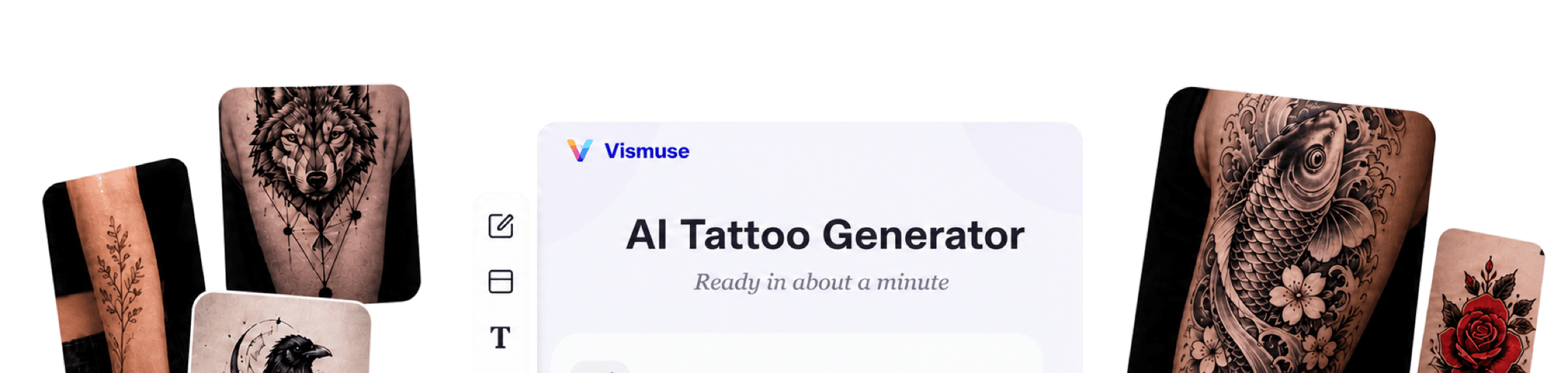
Vismuse AI Tattoo Generator workspace surrounded by fine-line, geometric, blackwork, Japanese, traditional, lettering, and sleeve concepts
Vismuse

Create and edit images and videos through conversation—no traditional editor required.

support@vismuse.com

Product

AI Image GeneratorAI Video GeneratorAI Animation GeneratorAlbum Cover MakerProduct Ad MakerAI Flyer Maker

Templates

All TemplatesFlyer TemplatesAlbum Covers

Resources

Help CenterDocsToolsPricing

Company

Contact supportAbout VismuseAcceptable UsePrivacyTermsRefund PolicyCookies
© 2026 Vismuse. All rights reserved.
EnglishDeutschFrançais
Tattoo design ideasStencil-style referencesFine-line conceptsSleeve layoutsPlacement previewsCover-up conceptsFlash art

Develop the tattoo idea before it reaches the chair.

Explore composition, symbolism, style, linework, and placement in a visual brief that a professional artist can adapt.

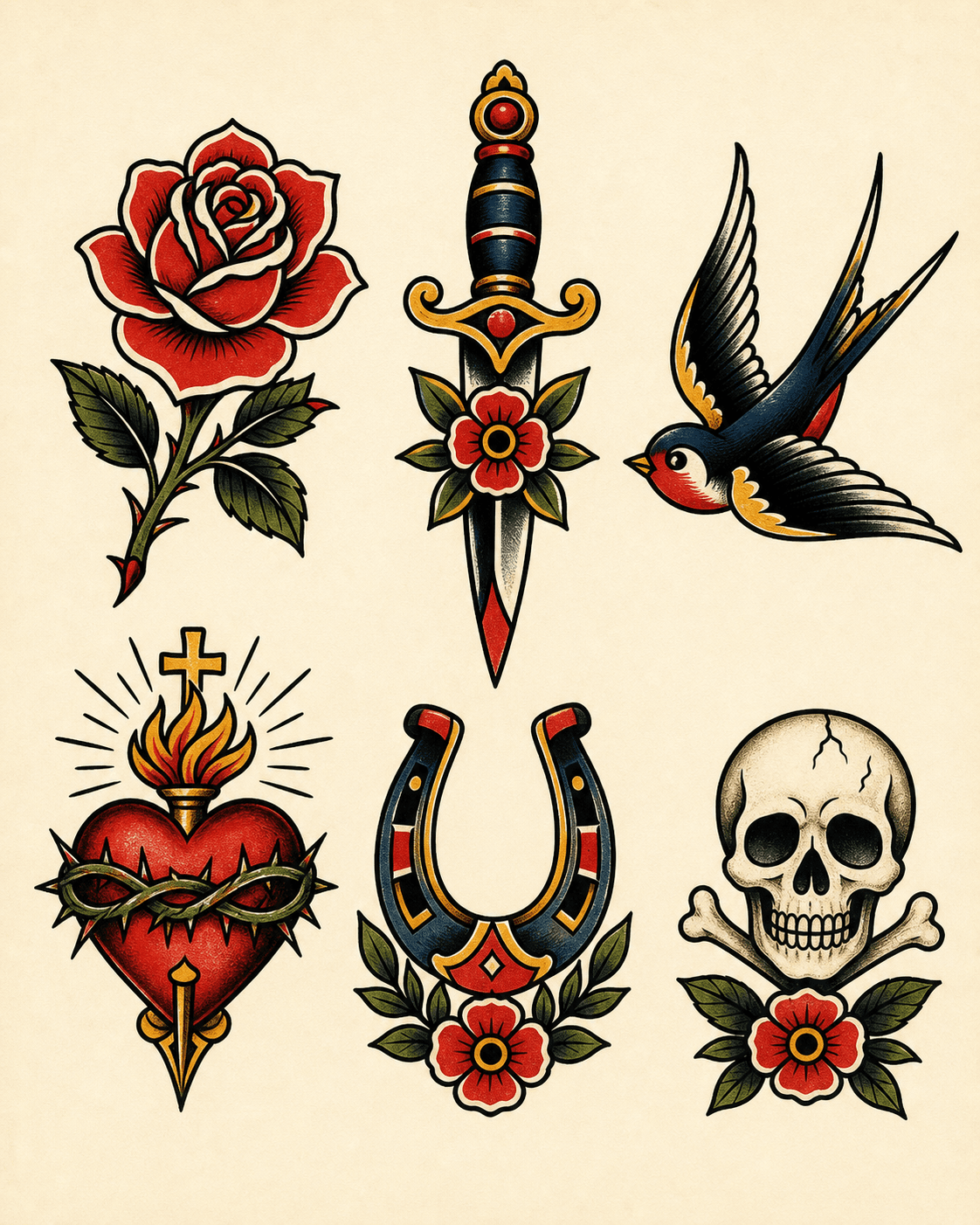
Traditional rose tattoo flash concept sheet

Start from a subject, memory, symbol, phrase, or photo. Add the style and mood, then choose the body area and complexity that fit the direction.

Generate a first concept and ask for focused changes: simplify the linework, improve the silhouette, create more negative space, rebalance the sleeve, or try another placement.

Bring the result to an experienced tattoo artist as a conversation starter. They can redraw it for anatomy, longevity, technical feasibility, and safe application.

How to create a tattoo design with AI

Start designing now
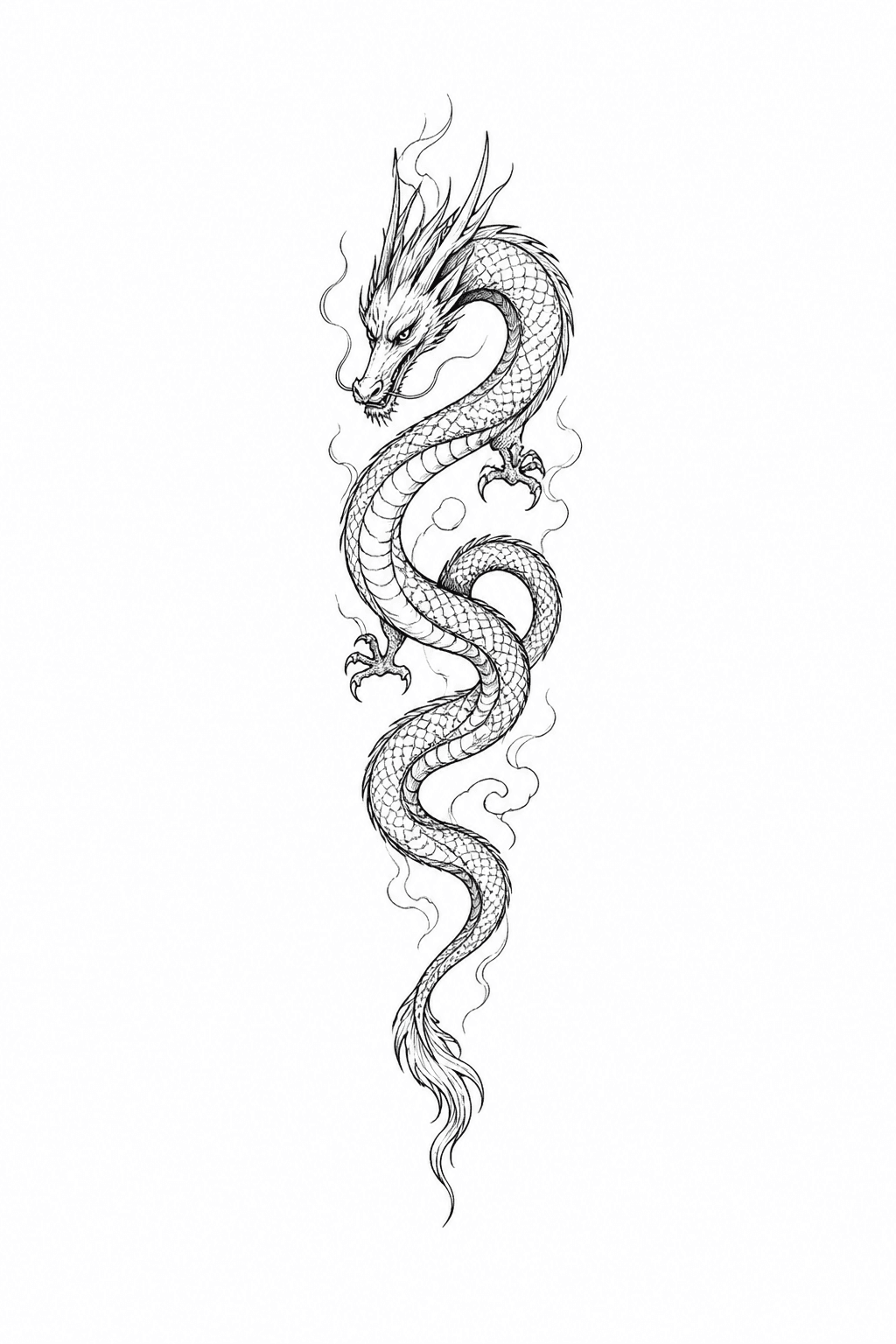
Minimal dragon forearm tattoo concept
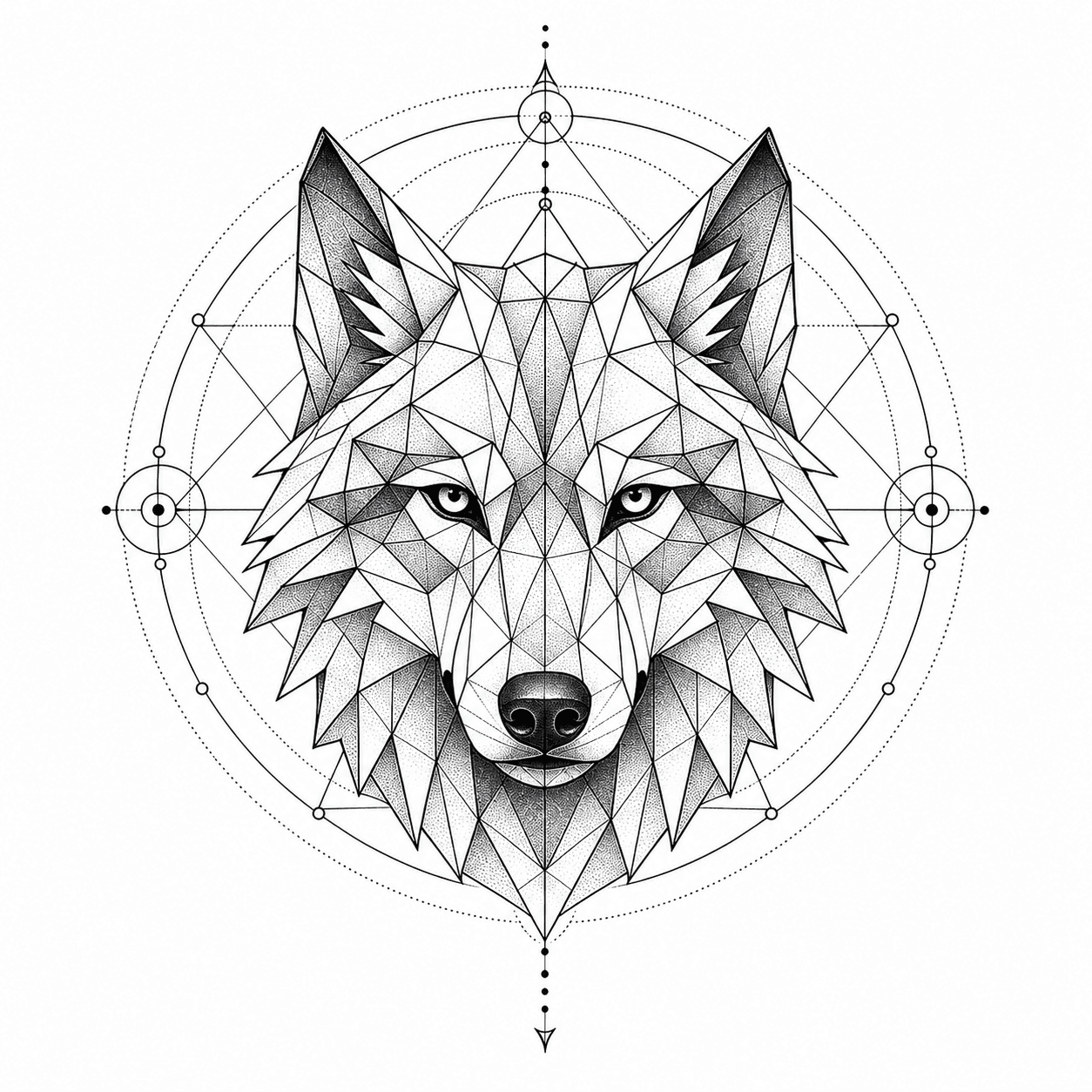
Geometric wolf shoulder tattoo placement idea
Fine-line floral wrist tattoo generated from a visual brief
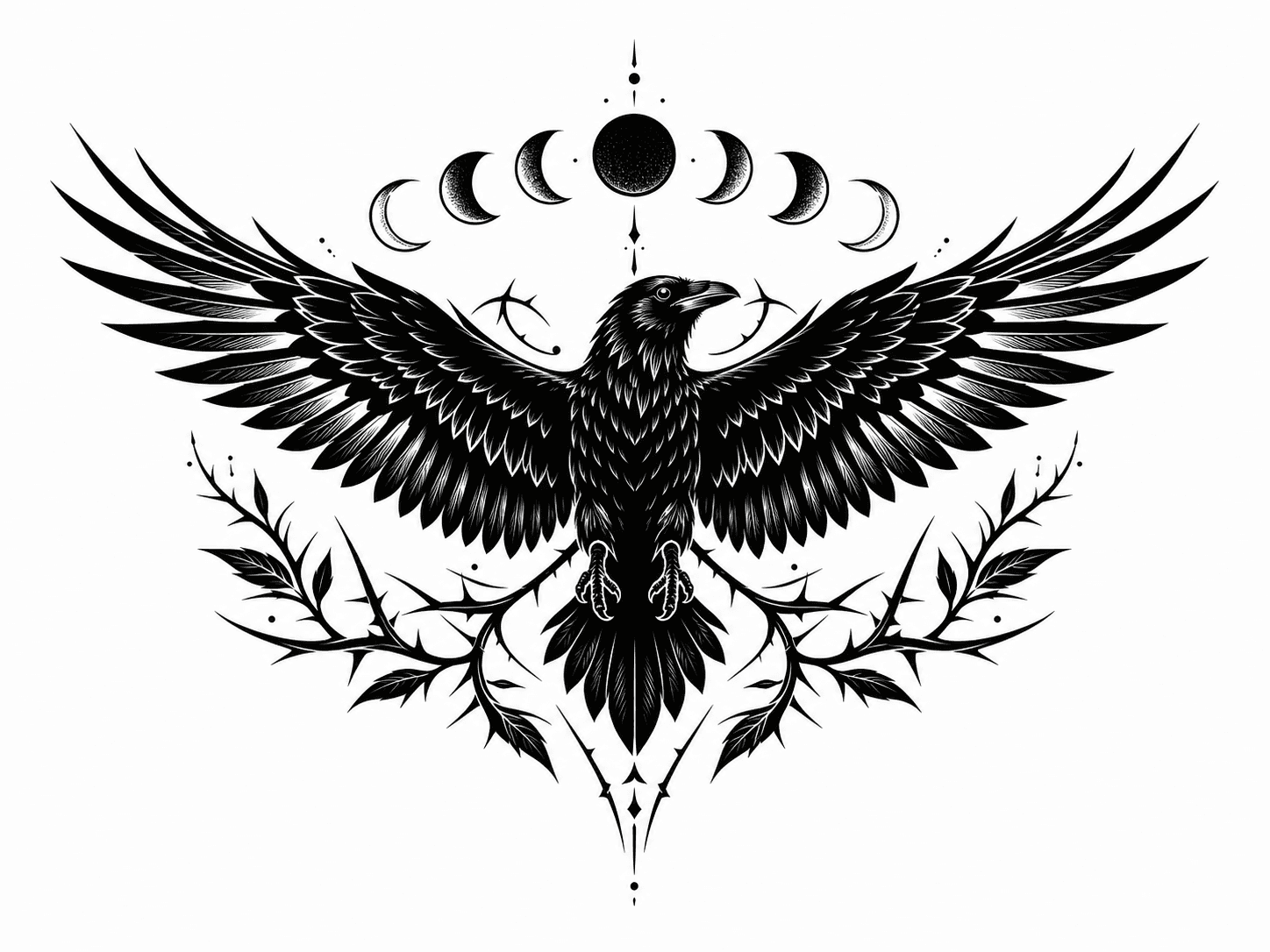
Blackwork raven tattoo stencil reference

Browse AI Tattoo Design Templates

Fine Line Floral Wrist Tattoo AI tattoo design TemplateFine Line Floral Wrist TattooMinimal Dragon Forearm Tattoo AI tattoo design TemplateMinimal Dragon Forearm TattooFull Sleeve Mythology Concept AI tattoo design TemplateFull Sleeve Mythology ConceptBlackwork Raven Chest Stencil AI tattoo design TemplateBlackwork Raven Chest StencilTraditional Rose Flash Sheet AI tattoo design TemplateTraditional Rose Flash SheetOld School Dagger Tattoo AI tattoo design TemplateOld School Dagger TattooGeometric Wolf Shoulder Tattoo AI tattoo design TemplateGeometric Wolf Shoulder TattooSingle Needle Moon Tattoo AI tattoo design TemplateSingle Needle Moon TattooJapanese Koi Half Sleeve AI tattoo design TemplateJapanese Koi Half SleeveCyber Sigilism Hand Tattoo AI tattoo design TemplateCyber Sigilism Hand TattooLettering Collarbone Tattoo AI tattoo design TemplateLettering Collarbone TattooWatercolor Butterfly Rib Tattoo AI tattoo design TemplateWatercolor Butterfly Rib Tattoo
Browse Tattoo Templates

Generate a tattoo design from text or a photo

Describe the subject and meaning in plain language, or upload a photo, sketch, and mood reference. Vismuse turns that direction into a visual concept you can keep refining before sharing it with an artist.

Try this tattoo direction
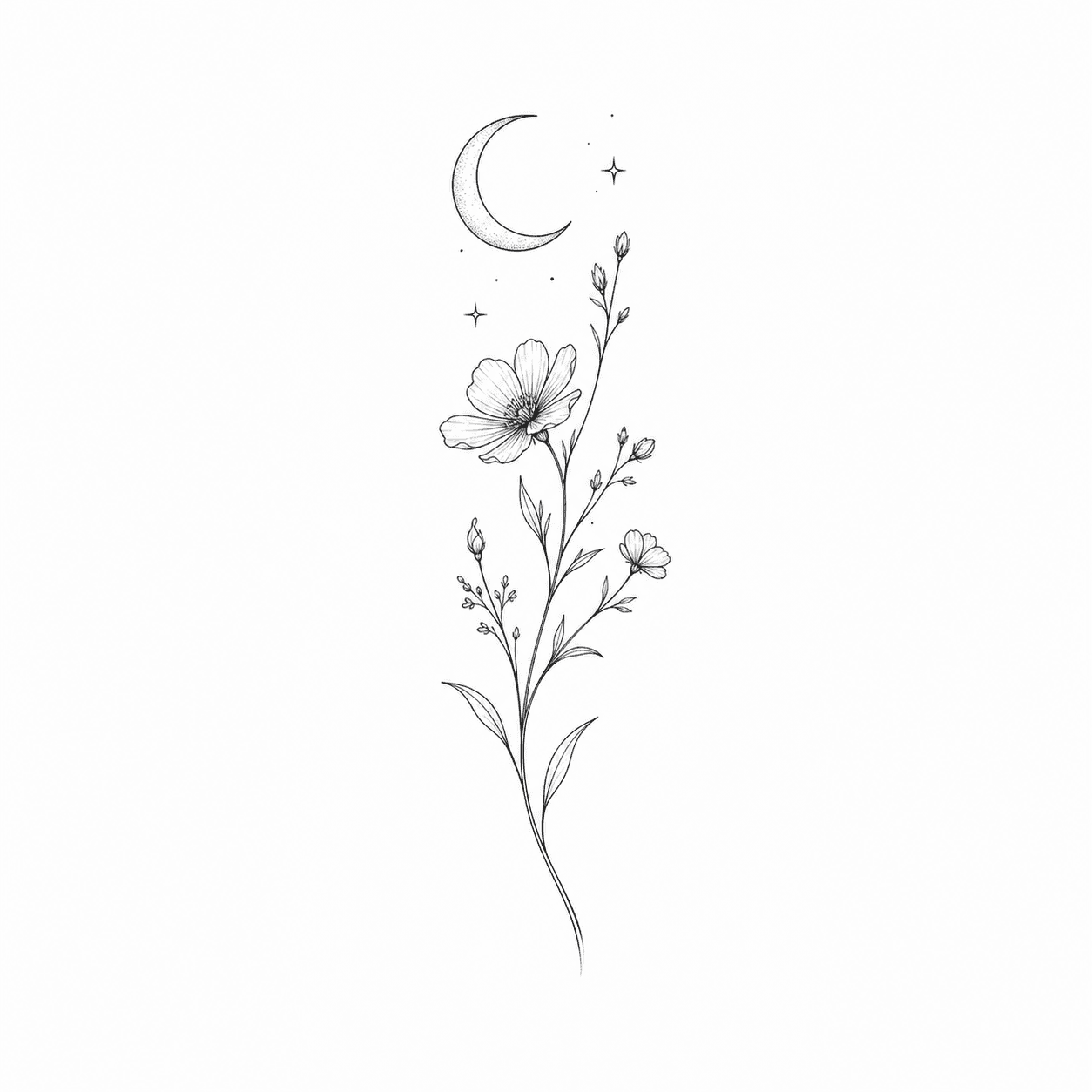
Fine-line floral tattoo design on a wrist

Create stencil-style and linework references

Ask for clean black linework, readable negative space, and simplified detail. The result is a planning reference for artist adaptation, not a final tattoo-ready stencil or a substitute for professional preparation.

Try this tattoo direction
Blackwork raven tattoo stencil-style reference

Explore sleeves, placements, and cover-up directions

Preview how a composition could flow across a forearm, shoulder, chest, ankle, or sleeve. For cover-ups, use the result as an early concept and have an experienced artist assess the existing ink, skin, scale, and feasible coverage.

Try this tattoo direction
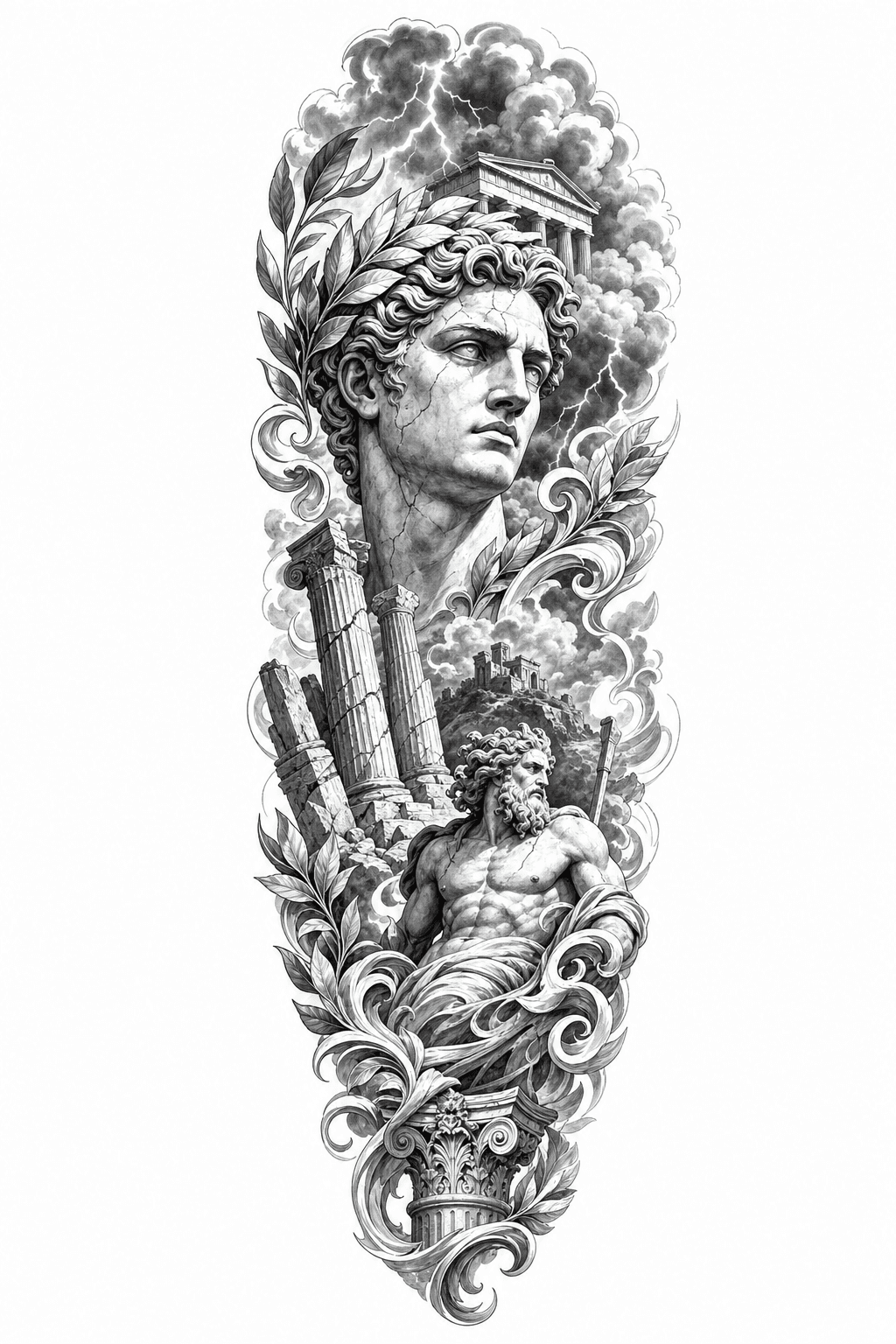
Full sleeve mythology tattoo layout concept

Frequently Asked Questions

What is an AI tattoo generator?

An AI tattoo generator turns a text brief or visual reference into tattoo design concepts. It can help explore subjects, styles, linework, composition, and placement before you discuss the idea with a professional tattoo artist.

Can I generate a tattoo design from a photo?

Yes. Upload a photo, sketch, or artwork and describe what to keep, simplify, or reinterpret. You can ask for a fine-line, blackwork, geometric, traditional, or stencil-style direction based on the reference.

Can Vismuse make a tattoo stencil?

Vismuse can create a clean stencil-style visual reference with black linework and negative space. A tattoo artist should redraw and adapt it for the exact placement, body shape, skin, scale, and safe application process.

Can I preview a tattoo on the body?

You can request a placement concept for areas such as the wrist, forearm, shoulder, chest, back, ankle, or sleeve. Treat the generated preview as an approximation because real placement changes with anatomy, movement, and scale.

Can I create a cover-up tattoo concept?

You can upload a clear photo of the existing tattoo and explore possible cover-up directions. Generated images cannot confirm what will work on skin, so a cover-up specialist should evaluate ink density, color, scar tissue, size, and placement.

Are AI tattoo designs ready to tattoo?

No. Use them as creative references. A qualified tattoo artist should adapt the artwork, check originality and technical feasibility, prepare the final stencil, and apply it using professional hygiene and safety practices.

Explore Similar Topics

AI Image MakerAI Logo GeneratorAI Sticker GeneratorTattoo Generator DocsAll AI Image Tools
Español
Português (Brasil)
日本語
繁體中文