Vismuse
AI Video GeneratorCreate short AI videos from prompts, references, and briefs.AI Flyer GeneratorTurn events, offers, and listings into flyers.AI Brochure GeneratorStructure company, product, and service content into brochures.AI Album Cover GeneratorDesign album covers, mixtape art, and single artwork.AI Image MakerCreate any image from a prompt, link, or reference.Product Ad GeneratorGenerate product promo images and ad creatives.AI Room DesignUpload a room photo and redesign interiors with AI.Background RemoverRemove backgrounds for clean cutouts and product images.Business Card MakerCreate print-ready front and back business card designs.AI Logo GeneratorCreate logo concepts, brand marks, badges, and monograms.Tattoo GeneratorCreate tattoo concepts, stencil ideas, flash art, and sleeve layouts.AI Poster MakerCreate posters for events, product promotions, movies, lost-and-found notices, and more.Invitation MakerCreate birthday invitations, party invites, and event cards.AI Book Cover GeneratorCreate ebook, Kindle, and paperback cover concepts.AI Sticker GeneratorCreate stickers, reactions, and sticker sheets.AI Wallpaper GeneratorGenerate phone and desktop wallpapers.
AI VideoToolsTemplatesResourcesPricing
HomeToolsAI Wallpaper Generator

AI Wallpaper Generator

Make your own phone or desktop wallpaper with a few chat prompts.

Create a custom wallpaper
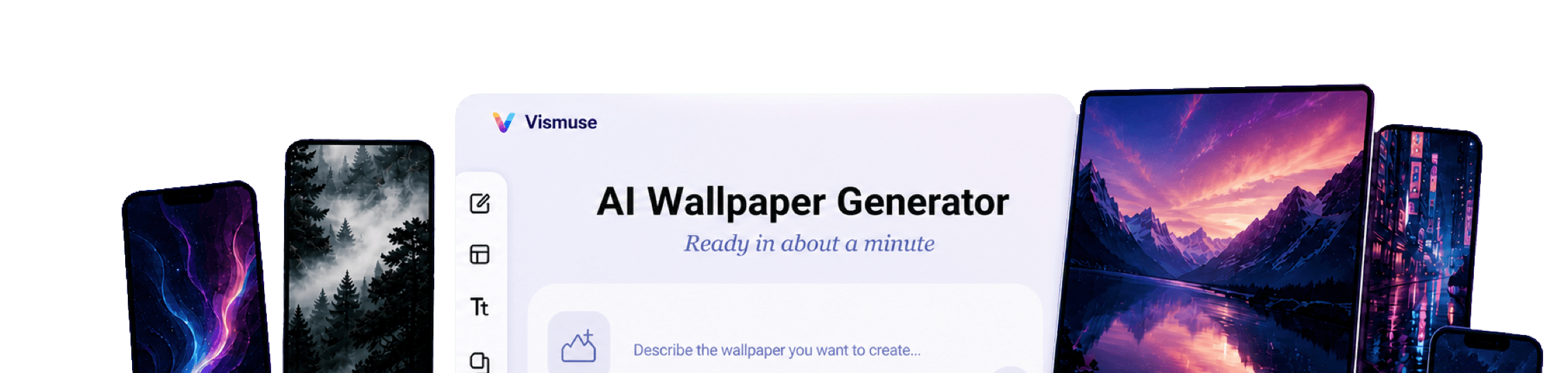
Vismuse AI Wallpaper Generator workspace surrounded by phone lock screens and desktop background examples
Vismuse

Create and edit images and videos through conversation—no traditional editor required.

support@vismuse.com

Product

AI Image GeneratorAI Video GeneratorAI Animation GeneratorAlbum Cover MakerProduct Ad MakerAI Flyer Maker

Templates

All TemplatesFlyer TemplatesAlbum Covers

Resources

Help CenterDocsToolsPricing

Company

Contact supportAbout VismuseAcceptable UsePrivacyTermsRefund PolicyCookies
© 2026 Vismuse. All rights reserved.
EnglishDeutsch
Phone wallpapersiPhone lock screensDesktop backgroundsAMOLED wallpapersAesthetic scenesMinimal gradientsCustom wallpaper art

Make custom wallpaper for the screen you actually use.

Describe the scene, colors, mood, and device. Vismuse turns the idea into phone, lock-screen, and desktop wallpaper directions you can refine through chat.

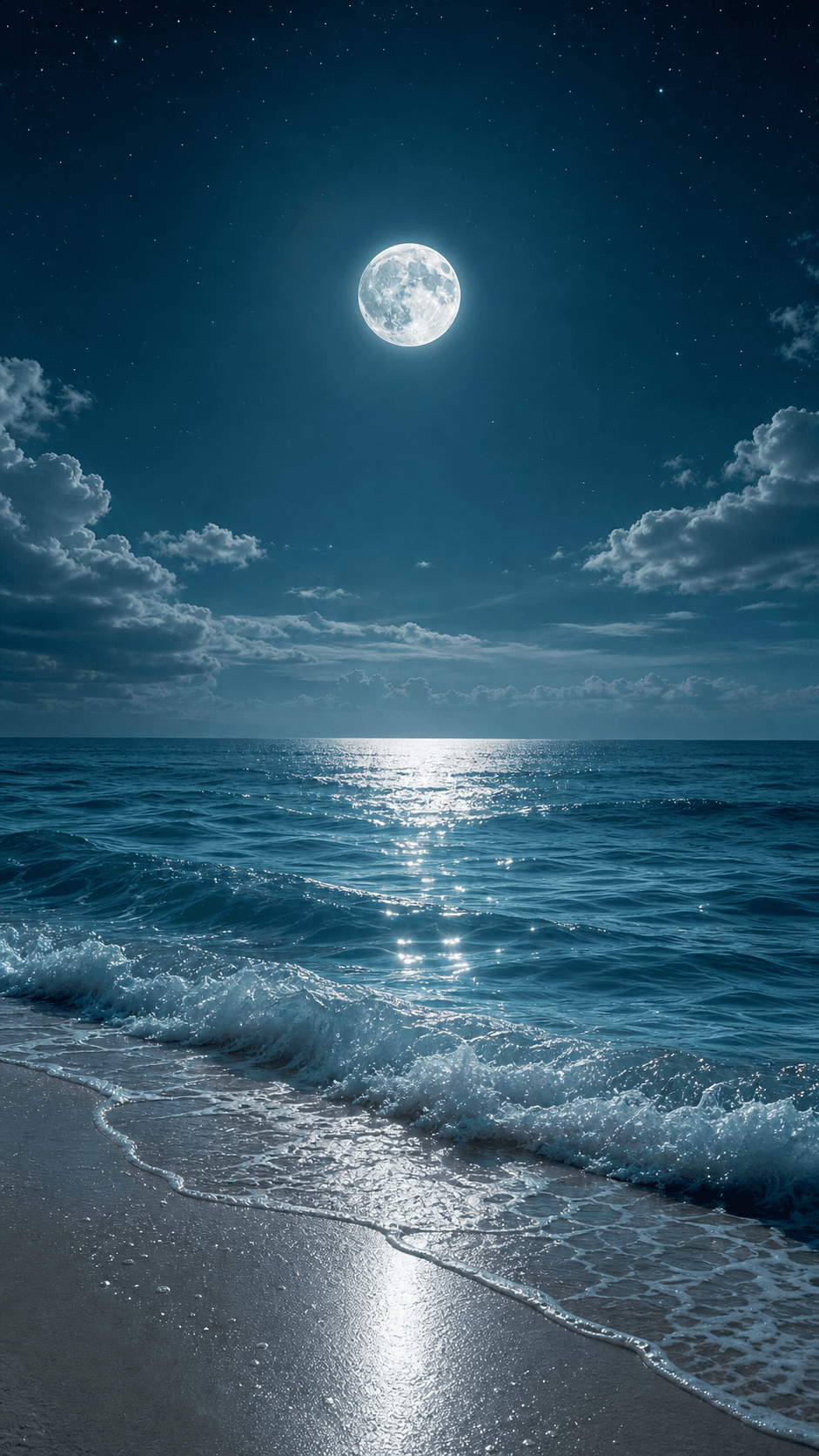
Moonlit ocean custom lock screen wallpaper

Start with a portrait phone background or a wide desktop composition. Tell Vismuse where the image will appear so the scene is framed for the intended screen instead of generated at a generic size.

Choose a subject and visual direction, from minimal gradients and dark AMOLED scenes to landscapes, anime-inspired cities, abstract glass, fantasy art, and quiet interior spaces.

Ask for open space around icons, widgets, folders, or the clock, then refine the focal point, palette, contrast, and detail until the background feels personal and usable.

How to make your own wallpaper

Start designing now
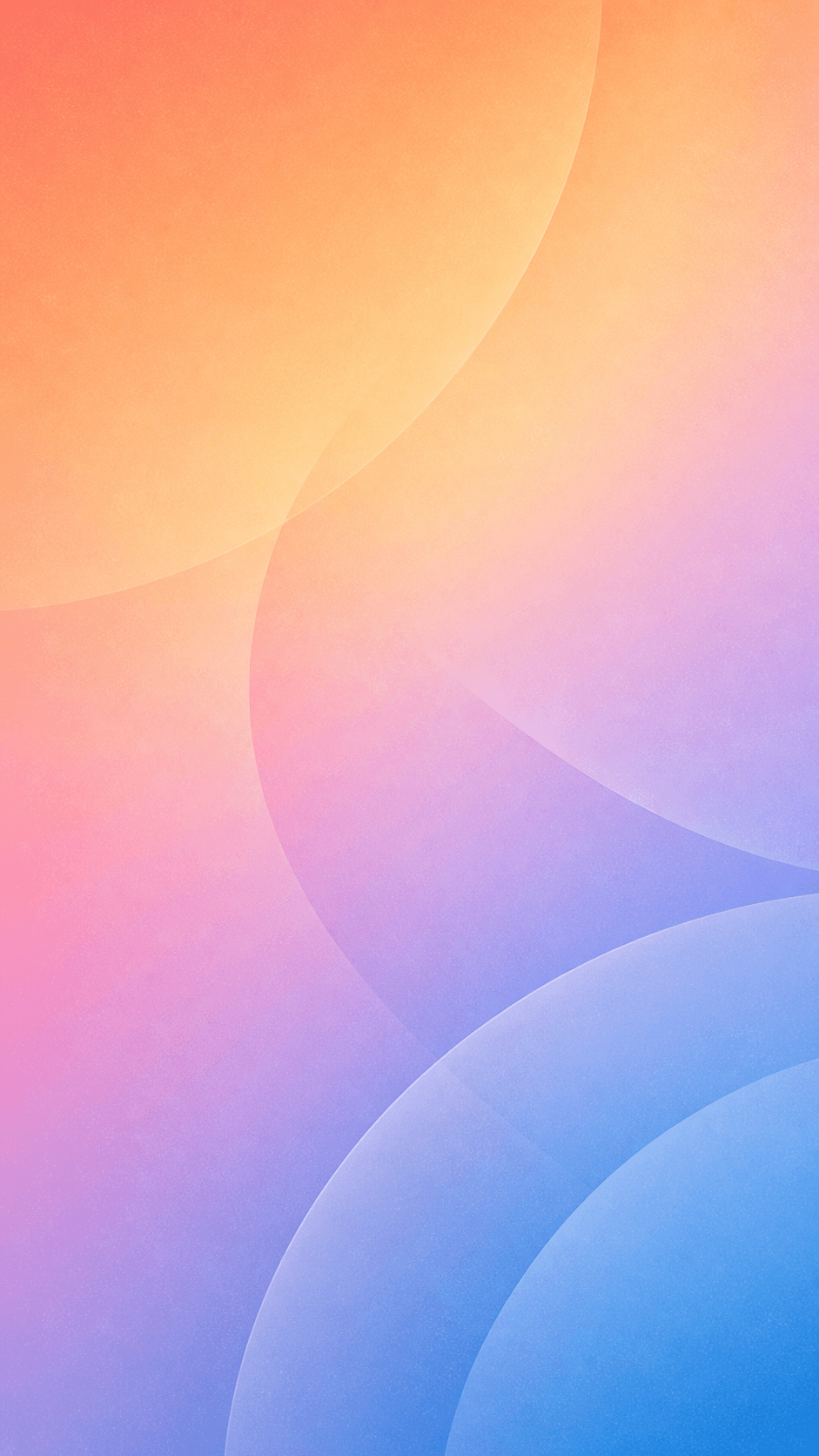
Portrait minimal gradient phone wallpaper
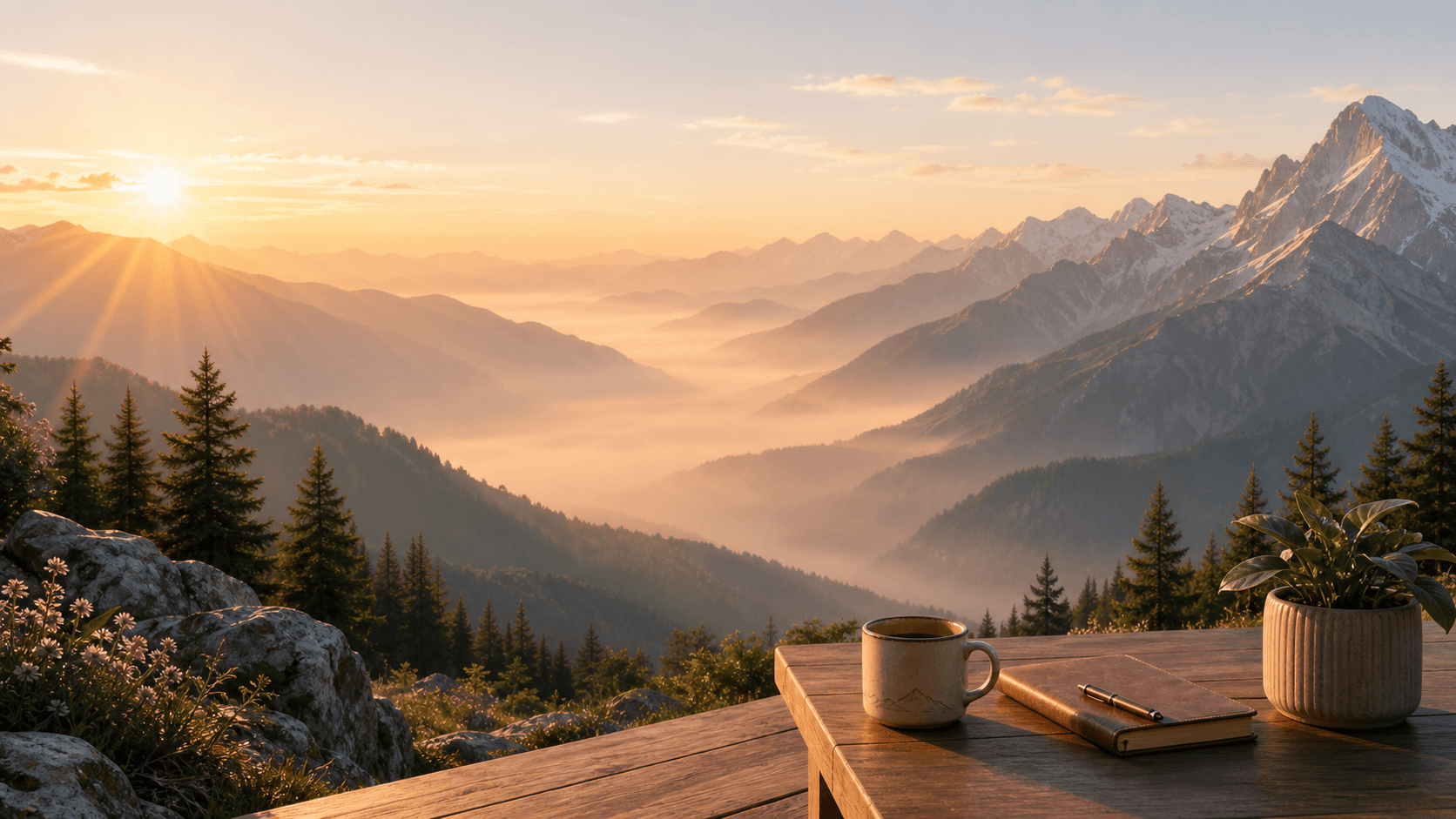
Wide mountain desktop wallpaper generated from a prompt
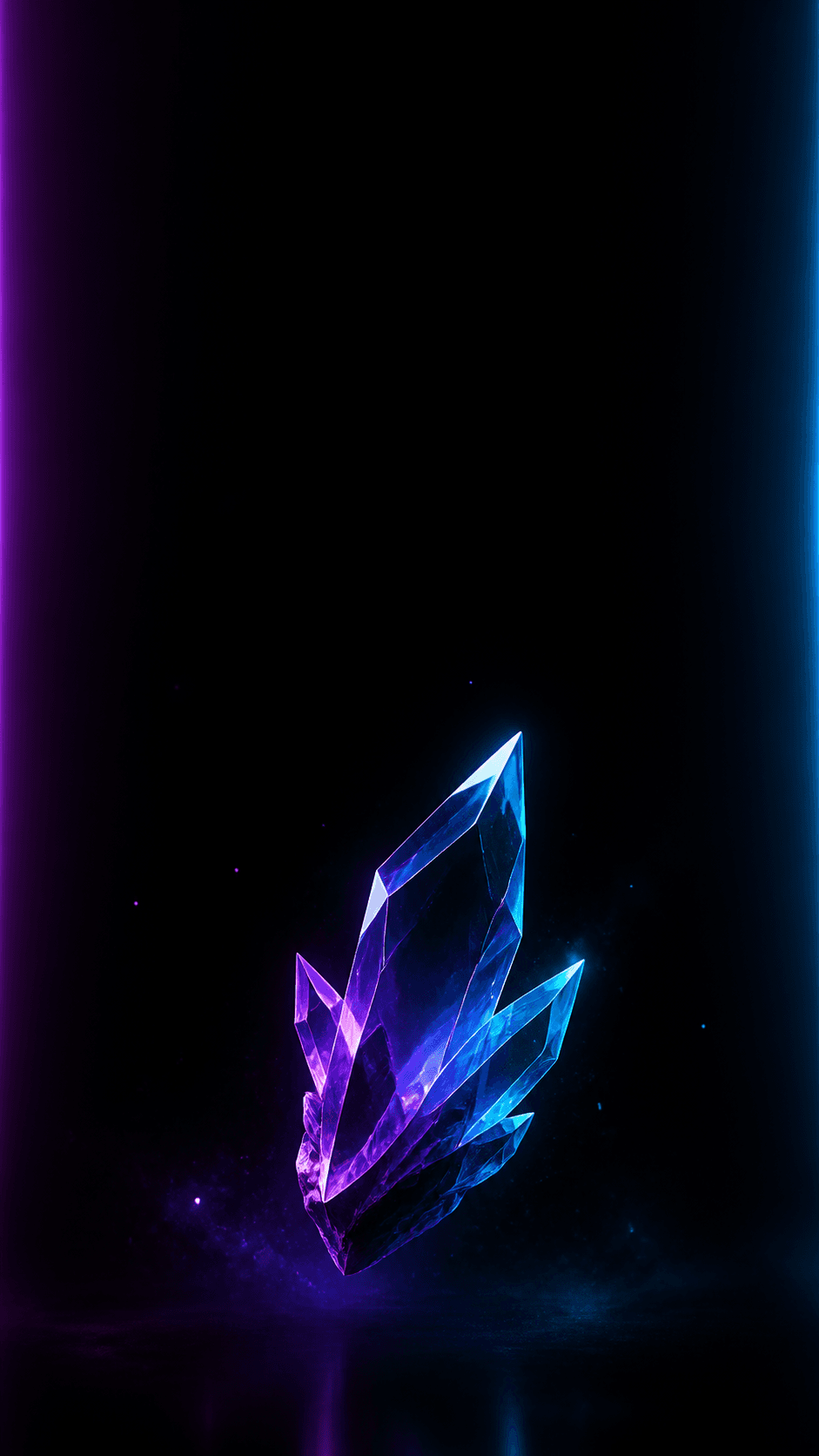
Dark AMOLED wallpaper with quiet space for phone icons
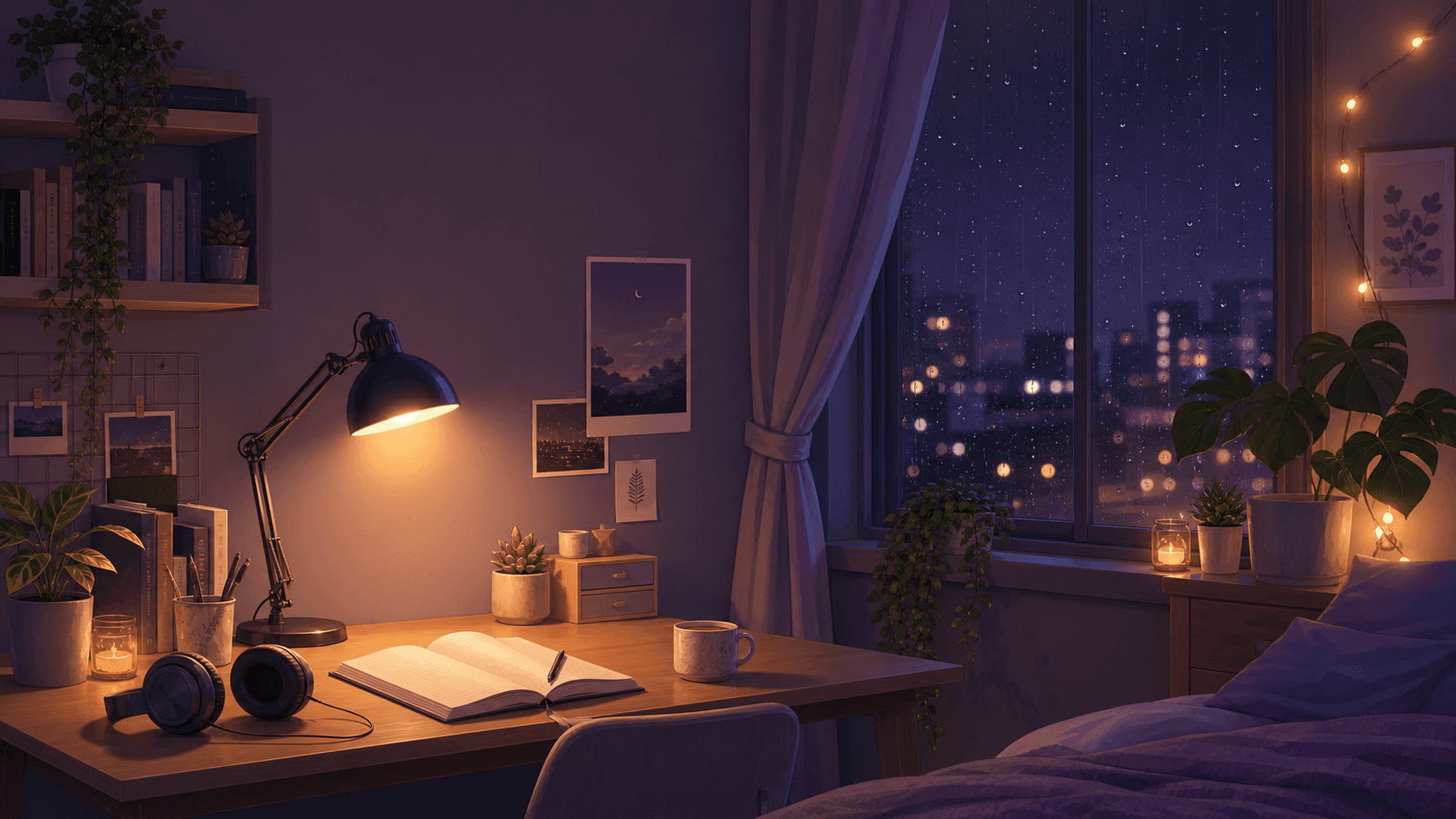
Lofi bedroom desktop wallpaper refined with AI

Browse AI Wallpaper Ideas

Moonlit Ocean Lock Screen AI wallpaper TemplateMoonlit Ocean Lock ScreenMountain Desktop Wallpaper AI wallpaper TemplateMountain Desktop WallpaperAbstract Glass Wallpaper AI wallpaper TemplateAbstract Glass WallpaperMisty Forest Wallpaper AI wallpaper TemplateMisty Forest WallpaperAMOLED Dark Mode Wallpaper AI wallpaper TemplateAMOLED Dark Mode WallpaperAnime City Sunset AI wallpaper TemplateAnime City SunsetCyberpunk Rain City AI wallpaper TemplateCyberpunk Rain CityLo-fi Bedroom Desktop AI wallpaper TemplateLo-fi Bedroom DesktopPastel Cloud Wallpaper AI wallpaper TemplatePastel Cloud WallpaperFantasy Castle Wallpaper AI wallpaper TemplateFantasy Castle WallpaperMinimal Gradient Wallpaper AI wallpaper TemplateMinimal Gradient WallpaperSpace Nebula Wallpaper AI wallpaper TemplateSpace Nebula Wallpaper
Browse Wallpaper Templates

Make a phone wallpaper that works behind icons

A strong phone wallpaper balances a clear focal point with enough quiet space for the clock, widgets, and app icons. Describe the device format and ask Vismuse to keep important faces, textural details, and bright highlights away from interface areas.

Try this wallpaper idea
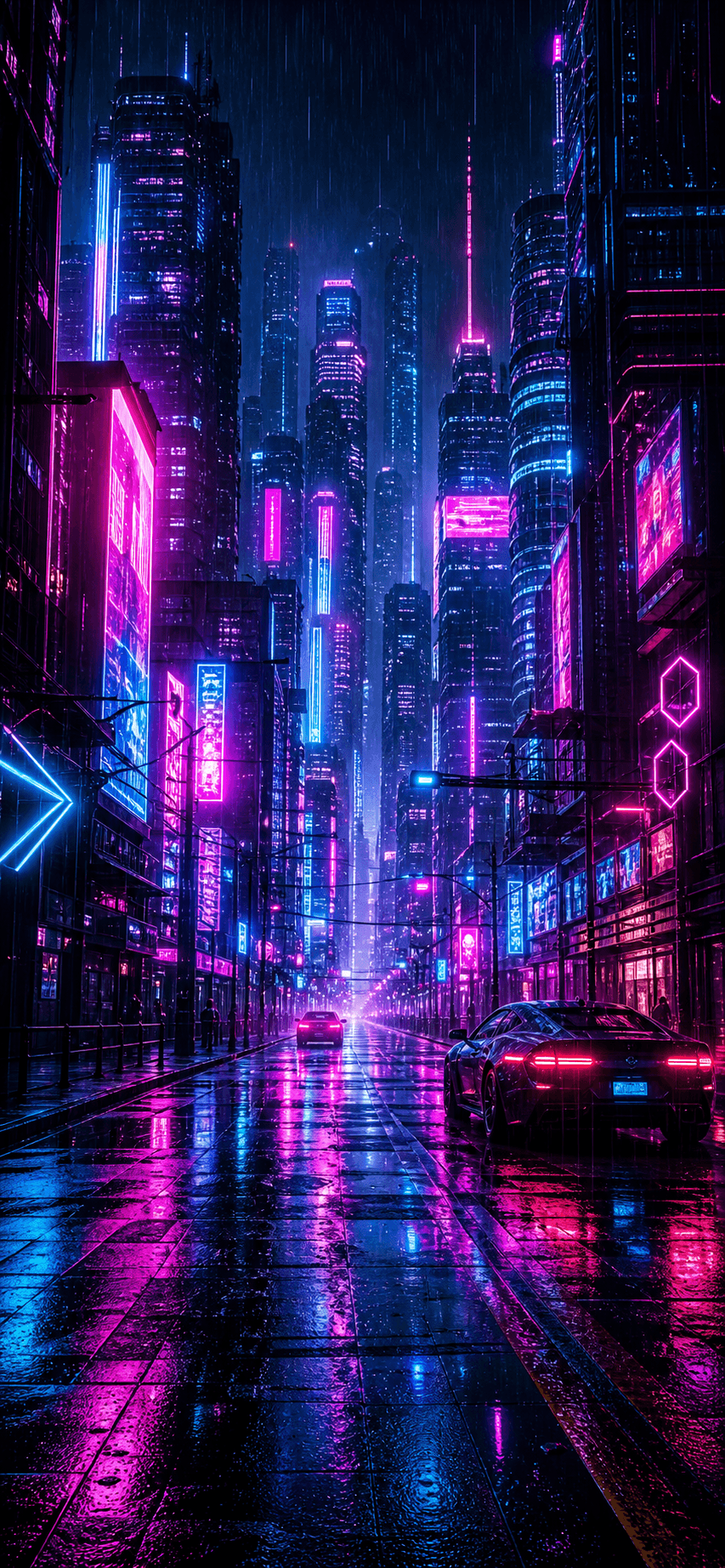
Portrait cyberpunk rain city phone wallpaper

Create a wide desktop background from your own idea

Use a landscape composition for a monitor or laptop and describe where the subject should sit. Mountains, interiors, oceans, fantasy landscapes, and abstract scenes can all be arranged with calmer areas for folders and desktop controls.

Try this wallpaper idea
Mountain landscape created as a wide desktop background

Design custom AMOLED and aesthetic wallpapers

Ask for near-black backgrounds, restrained highlights, glass forms, gradients, or a specific color mood. Generate a few directions, then refine the strongest composition so it fits your screen, theme, and preferred level of detail.

Try this wallpaper idea
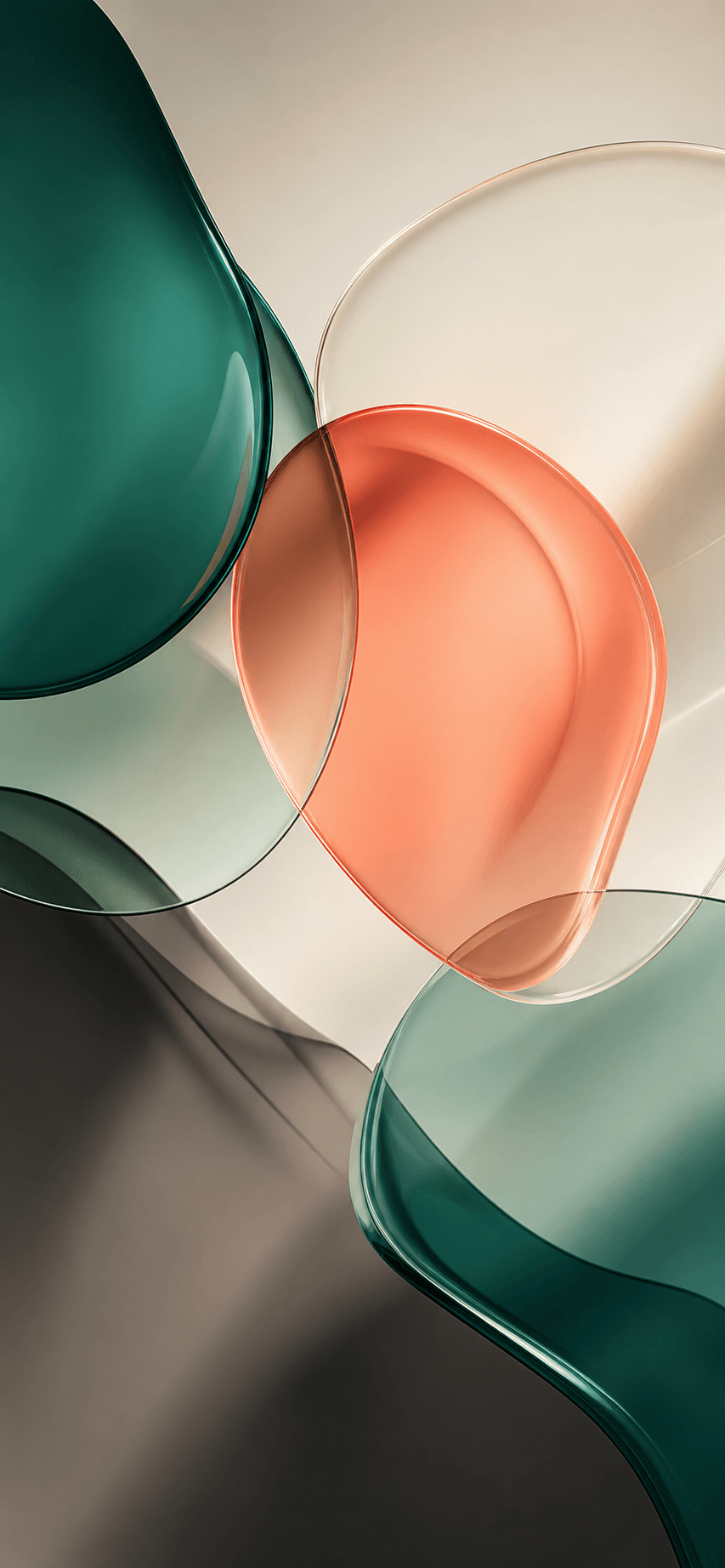
Dark abstract glass custom phone wallpaper

Frequently Asked Questions

What is an AI wallpaper generator?

An AI wallpaper generator creates a custom background from a written prompt or reference image. You can specify the device, orientation, subject, colors, mood, style, and areas that should remain clear for icons or widgets.

How do I make my own wallpaper with AI?

Choose phone or desktop format, describe the scene and visual style, and explain where the main subject should appear. Generate the first version, then refine the colors, contrast, composition, and negative space through chat.

Can I make phone and iPhone wallpapers?

Yes. Start with a portrait format such as 9:16 and mention whether the image is for a home screen or lock screen. Ask for clear space around the clock, widgets, and app icons.

Can I create a desktop wallpaper?

Yes. Select a landscape format such as 16:9 and describe the monitor background you want. You can position the focal subject to one side and reserve quieter space for folders, menus, or a taskbar.

Can I use a photo or image as a wallpaper reference?

Yes. Upload a reference to guide the subject, palette, lighting, or composition. Explain what should be preserved and what the AI should change when adapting it into a wallpaper.

What should I include in an AI wallpaper prompt?

Include the target device, portrait or landscape orientation, main subject, environment, color palette, mood, art style, focal-point placement, and any quiet areas needed for the interface.

Does Vismuse create live or animated wallpapers?

This page creates still wallpaper images. It does not currently promise live, animated, or GIF wallpaper output. You can download the finished image and set it as a compatible device background.

Explore Similar Topics

How to Make a Singer WallpaperHow to Make a Concert WallpaperAI Wallpaper Generator DocsAI Image TemplatesAI Image MakerAll AI Image Tools
Français
Español
Português (Brasil)
日本語
繁體中文