
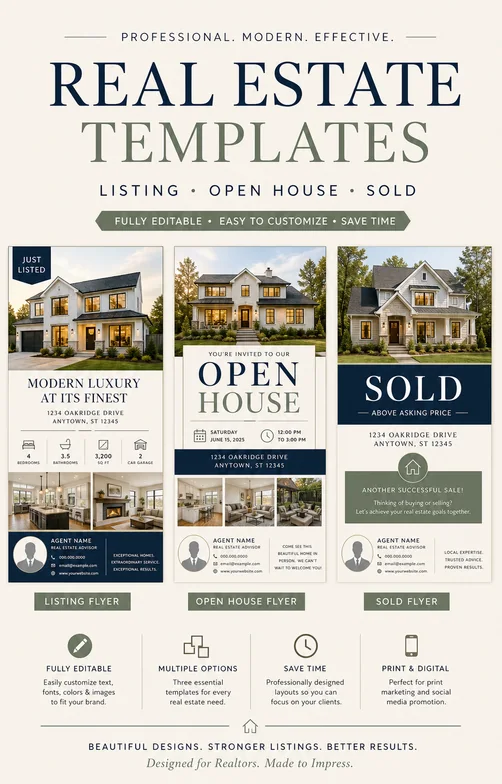
Just Listed Flyer
Start from a property flyer example, then replace the listing, showing, and agent details.
Customize this example →Create with Vismuse
Create a property flyer that highlights the home, price or offer, location, showing details, agent contact, and next step.
Agents, brokers, property managers, and real estate marketers. Start with your own copy or an example, then refine the flyer through chat.
Include Property type, Price or offer, Location or neighborhood, Top features, Agent contact. Quote exact wording and check every name, date, location, and contact detail.
Pick an example below, add your own details, and include an approved photo or logo if needed. Choose a social or portrait format.
Open the brief in AI Flyer Generator, generate a first draft, and check the full image before requesting focused changes in chat.
Download as PNG or JPG, or export an eligible original as PDF. Confirm final dimensions and print requirements with your printer.
Start from a property flyer example, then replace the listing, showing, and agent details.
Customize this example →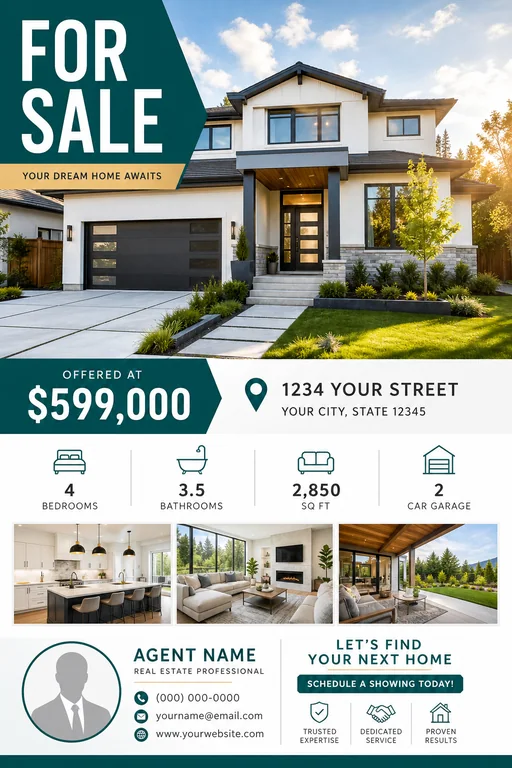
Start from a property flyer example, then replace the listing, showing, and agent details.
Customize this example →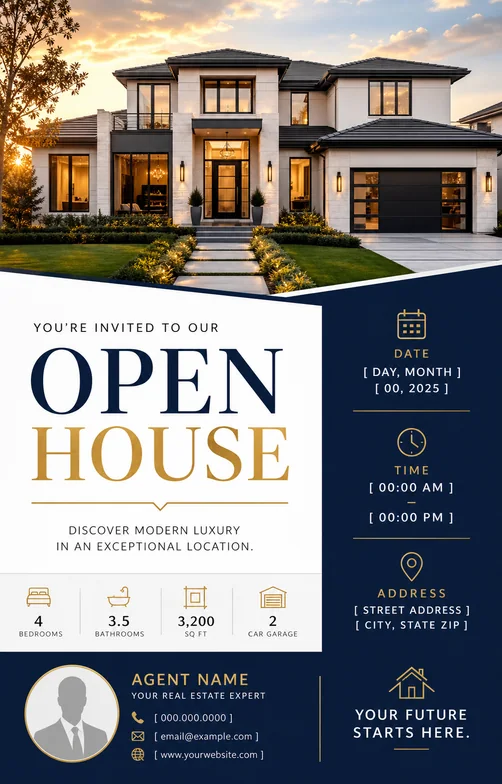
Start from a property flyer example, then replace the listing, showing, and agent details.
Customize this example →Keep one headline and one clear next action. Check required wording at the size people will actually see.
For print, confirm the final paper size, resolution, and bleed separately. PDF export preserves the generated image’s aspect ratio.
Include a strong property photo, price or positioning, location, key features, open house details, agent contact information, and a clear CTA.
Yes. Add the open house date and time, address area, property highlights, agent contact details, and a visit or schedule-tour CTA.