Vismuse
AI Video GeneratorCreate short AI videos from prompts, references, and briefs.AI Flyer GeneratorTurn events, offers, and listings into flyers.AI Brochure GeneratorStructure company, product, and service content into brochures.AI Album Cover GeneratorDesign album covers, mixtape art, and single artwork.AI Image MakerCreate any image from a prompt, link, or reference.Product Ad GeneratorGenerate product promo images and ad creatives.AI Room DesignUpload a room photo and redesign interiors with AI.Background RemoverRemove backgrounds for clean cutouts and product images.Business Card MakerCreate print-ready front and back business card designs.AI Logo GeneratorCreate logo concepts, brand marks, badges, and monograms.Tattoo GeneratorCreate tattoo concepts, stencil ideas, flash art, and sleeve layouts.AI Poster MakerCreate posters for events, product promotions, movies, lost-and-found notices, and more.Invitation MakerCreate birthday invitations, party invites, and event cards.AI Book Cover GeneratorCreate ebook, Kindle, and paperback cover concepts.AI Sticker GeneratorCreate stickers, reactions, and sticker sheets.AI Wallpaper GeneratorGenerate phone and desktop wallpapers.
AI VideoToolsTemplatesResourcesPricing
HomeToolsAI Menu Generator

Your items, prices, and brand

AI Menu Generator

Turn a menu list into a polished visual direction.

Provide exact item names, descriptions, prices, sections, and brand preferences. Generate a menu concept, then refine hierarchy, spacing, imagery, and wording through chat.

Start creating
Vismuse

Create and edit images and videos through conversation—no traditional editor required.

support@vismuse.com

Product

AI Image GeneratorAI Video GeneratorAI Animation GeneratorAlbum Cover MakerProduct Ad MakerAI Flyer Maker

Templates

All TemplatesFlyer TemplatesAlbum Covers

Resources

Help CenterDocsToolsPricing

Company

Contact supportAbout VismuseAcceptable UsePrivacyTermsRefund PolicyCookies
© 2026 Vismuse. All rights reserved.
EnglishDeutschFrançais
Explore examples
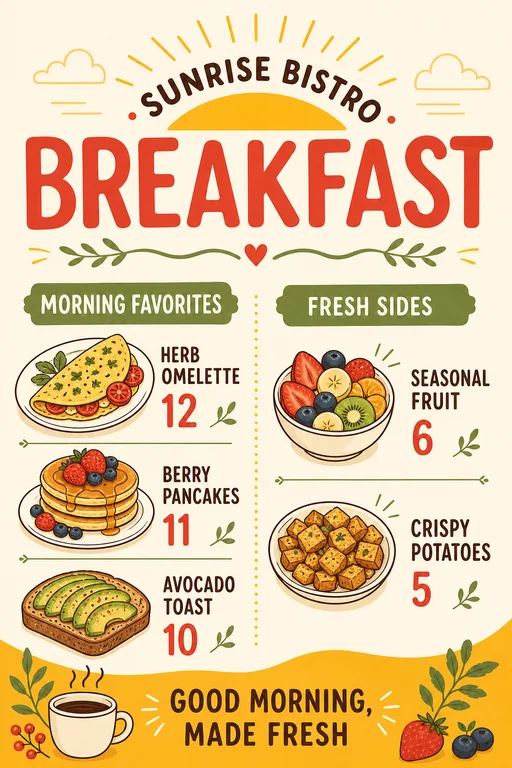
Sunrise Bistro Breakfast Menu: AI Menu Generator example
Sunrise Bistro Breakfast Menu · AI-generated concept

From brief to finished direction

How to create with AI Menu Generator

Start with the details that matter, then refine one clear direction at a time.

  1. 01

    Add your menu content

    List the exact sections, item names, descriptions, prices, currency, and any dietary or service notes.

  2. 02

    Describe the restaurant style

    Specify the cuisine, audience, palette, typography direction, format, and whether photos or illustrations should appear.

  3. 03

    Review every detail

    Check spelling, prices, currency, allergens, and item placement, then request corrections before publishing or printing.

Creative direction

Build a restaurant menu

Organize starters, mains, sides, desserts, and drinks with a hierarchy that makes scanning easy.

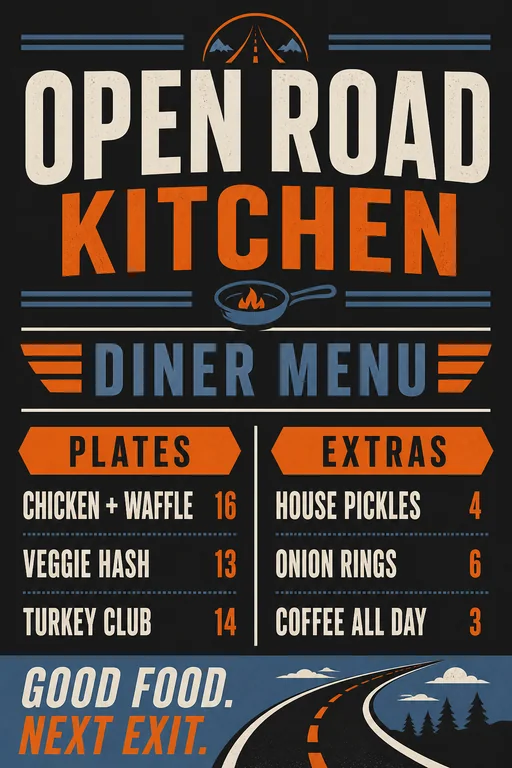
Try this promptCreate a modern roadside diner menu with clearly separated food and drink sections. Use the exact item names and prices I provide, readable typography, and a warm, welcoming palette.
Create your version
Restaurant diner menu
Restaurant diner menu · AI-generated inspiration

Creative direction

Create a cafe or bakery menu

Balance coffee, tea, pastries, and specials in a compact format that works at the counter or online.

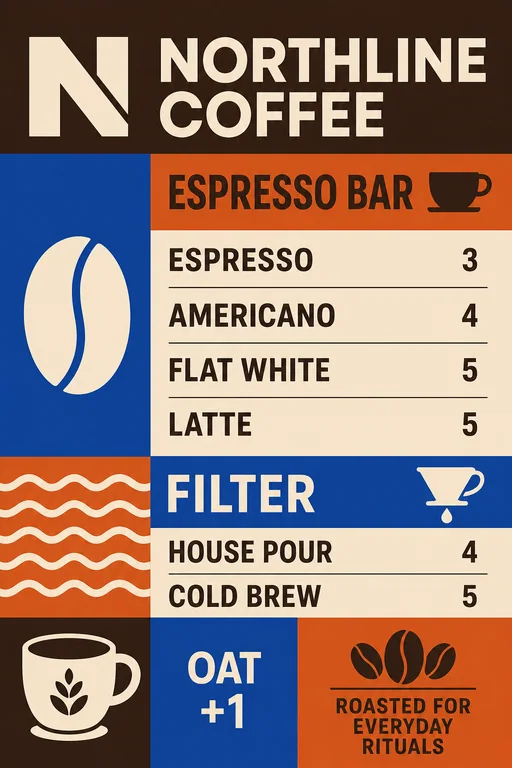
Try this promptCreate a modern cafe menu for espresso drinks, tea, pastries, and seasonal specials. Use my exact prices, clean columns, soft neutral colors, and small hand-drawn ingredient accents.
Create your version
Specialty coffee cafe menu
Specialty coffee cafe menu · AI-generated inspiration

Creative direction

Design a focused drink or wine list

Use clear categories and concise supporting details so guests can compare options quickly.

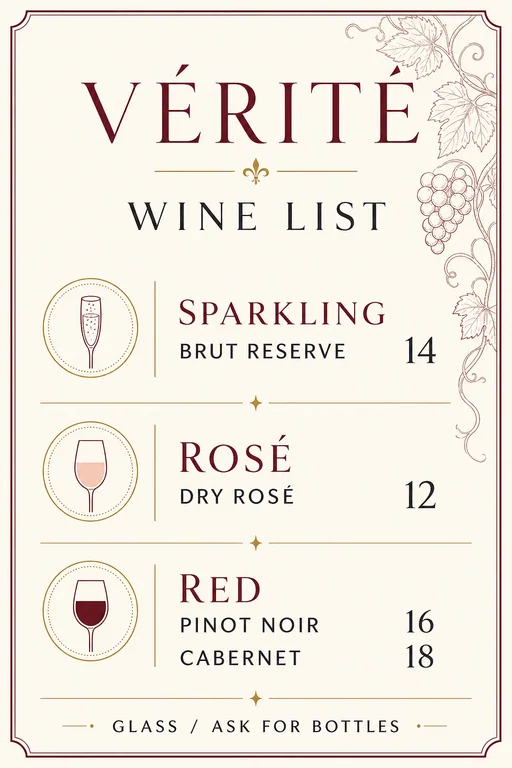
Try this promptCreate a sophisticated wine list with sparkling, white, rosé, and red sections. Preserve every wine name, region, vintage, and price exactly. Use a minimal editorial layout.
Create your version
Minimal wine list
Minimal wine list · AI-generated inspiration

Find a starting point

Restaurant and cafe menu ideas

Explore breakfast, cafe, diner, drink, wine, and restaurant menu directions for different brands and service styles.

Sunrise Bistro Breakfast Menu: AI Menu Generator example

Sunrise Bistro Breakfast Menu

A warm modern breakfast menu with cheerful color blocking, simple food illustrations, and two easy-to-scan sections.

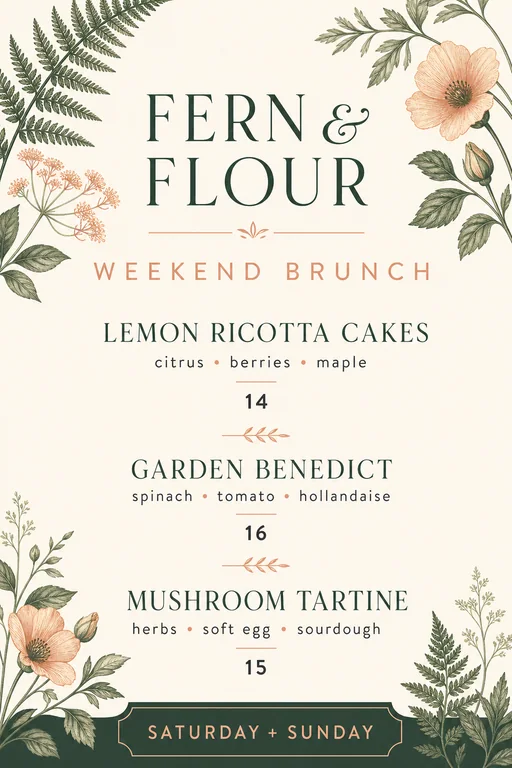
Botanical Brunch Menu: AI Menu Generator example

Botanical Brunch Menu

An elegant brunch menu with restrained botanical details, editorial typography, and refined pricing alignment.

Specialty Coffee Cafe Menu: AI Menu Generator example

Specialty Coffee Cafe Menu

A crisp specialty coffee menu with bold type, modular drink rows, and subtle bean-to-cup graphics.

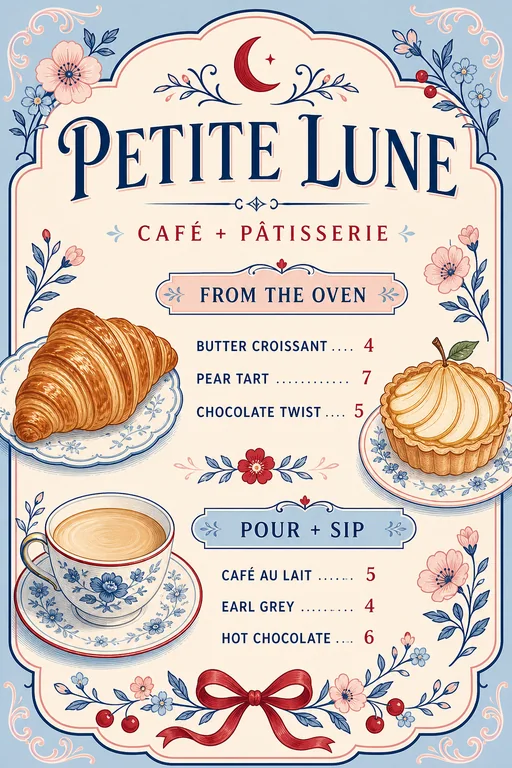
French Patisserie Cafe Menu: AI Menu Generator example

French Patisserie Cafe Menu

A soft illustrated cafe menu pairing pastries and drinks in a charming yet readable two-section layout.

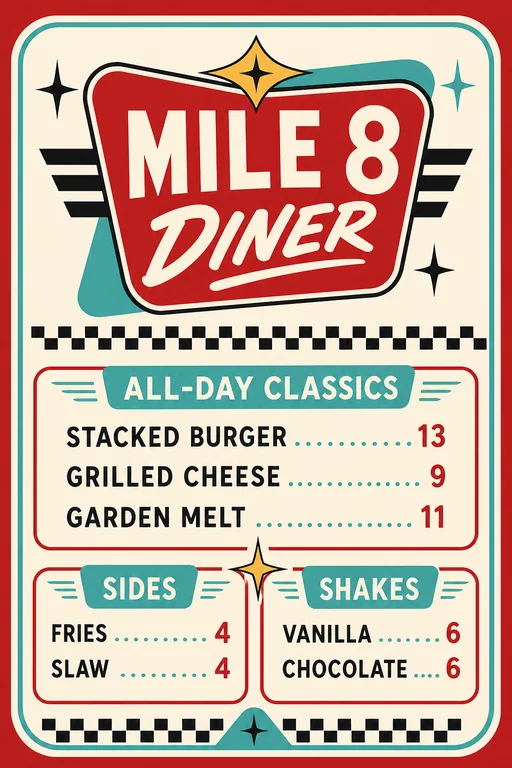
Retro Classic Diner Menu: AI Menu Generator example

Retro Classic Diner Menu

A lively mid-century diner menu with checker accents, badge typography, and classic comfort-food sections.

Modern Roadside Diner Menu: AI Menu Generator example

Modern Roadside Diner Menu

A contemporary roadside menu using bold condensed type, utilitarian rules, and a clean comfort-food hierarchy.

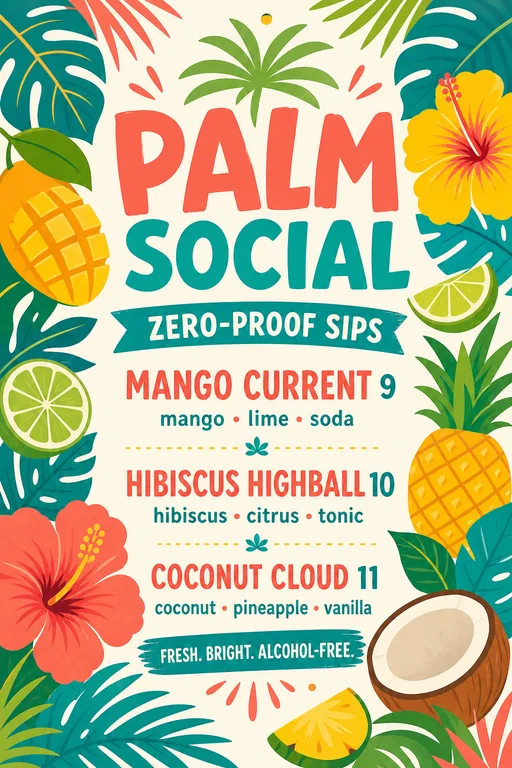
Tropical Mocktail Drink Menu: AI Menu Generator example

Tropical Mocktail Drink Menu

A colorful alcohol-free drink menu with tropical illustrations, playful names, and clear ingredients.

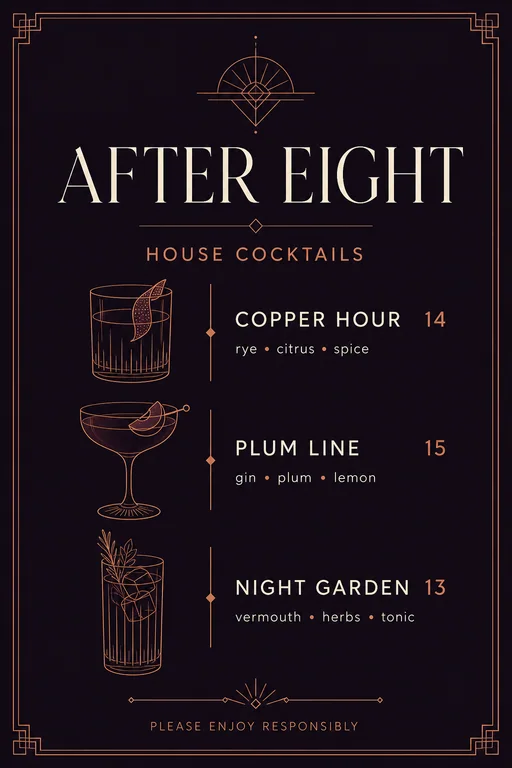
Evening Cocktail Menu: AI Menu Generator example

Evening Cocktail Menu

A dark refined cocktail list with geometric glassware details and restrained late-night atmosphere.

Minimal Wine List: AI Menu Generator example

Minimal Wine List

A premium minimalist wine list organized by style with elegant typography and precise price alignment.

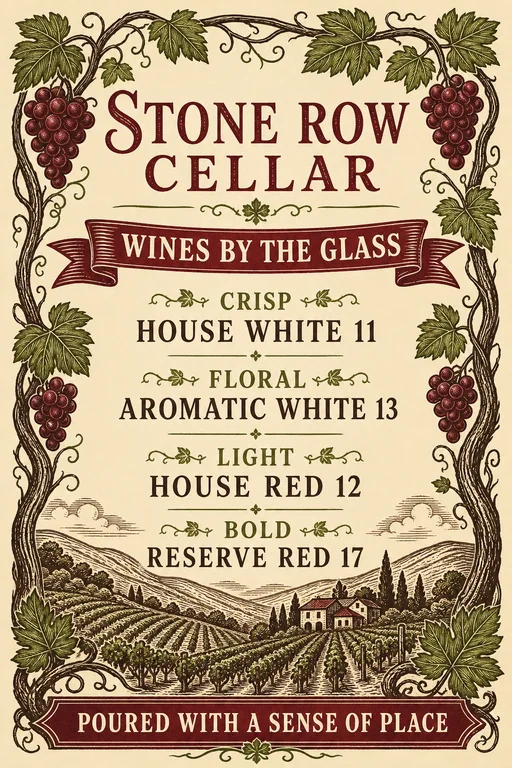
Rustic Vineyard Wine Menu: AI Menu Generator example

Rustic Vineyard Wine Menu

A warm cellar-inspired wine menu with woodcut-style vineyard motifs and approachable tasting categories.

Create your own

A stronger starting brief

Details worth specifying

  • Paste exact copy. Treat names, descriptions, prices, and currency as source data that must not be invented.
  • Choose the final format. State whether the menu is one page, folded, tabletop, poster-size, digital, or optimized for mobile.
  • Keep sections manageable. Use clear categories and avoid squeezing too many items into one visual hierarchy.
  • Proofread before use. Verify every price, allergen, ingredient, date, and legal note against your source information.

Frequently asked questions

What information should I provide for a menu?

Provide exact sections, item names, descriptions, prices, currency, dietary labels, restaurant name, and any service or allergen notes.

Can I create restaurant, cafe, and drink menus?

Yes. You can explore breakfast, lunch, dinner, cafe, bakery, diner, takeaway, cocktail, drink, and wine menu formats.

Will AI keep every price and item correct?

Generated text can contain mistakes. Review all wording, prices, ingredients, allergens, and currency carefully before publishing or printing.

Can I edit the menu after it is generated?

Yes. Continue through chat to request copy corrections, section changes, new colors, different imagery, or a revised layout.

Is the AI menu generator free?

Image generation uses Vismuse credits. Check the current pricing page and the credit requirement shown before generating.

More tools for your business

AI Image MakerBrowse templatesPlans and creditsExplore all toolsAI Flyer Generator
Español
Português (Brasil)
日本語
繁體中文